The content library
The third stocking mode, beside hand-keying and SRD stocking: stock a map by placing finished rooms onto it. Open a finished project as a palette and drag its rooms across — or click to place them — one curated room at a time. Nothing auto-populates; the placement is the point.
The Library button on the map toolbar opens the panel beside the canvas. Everything it lists is a content pack: geometry-free room projections — name, description, encounter, trap, treasure, and features, but never cells, walls, or transitions — plus the bundled monsters those rooms reference and any wandering tables their levels hold. Packs come from three places, and the panel treats them identically:
- Another project. Type or browse any project directory — a native project, or a forge workdir, which assembles read-only exactly as review would. Opening a source writes nothing to it and opens no second session; the pack you get is a snapshot as of the open, and Refresh re-reads the source.
- This project. The one-click shortcut projects your own working document — current to the latest edit — so you can borrow from a dungeon's own earlier levels.
- The stash. Content banked by the two destructive acts below, stored inside this project's own sidecar.
Loaded libraries are remembered per project: leave for the home screen or another adventure and come back, and the panel restores every pack you had open — each a fresh read of its source, so a source edited in the meantime comes back current. When a source no longer opens, the panel says so once and drops it from the list.
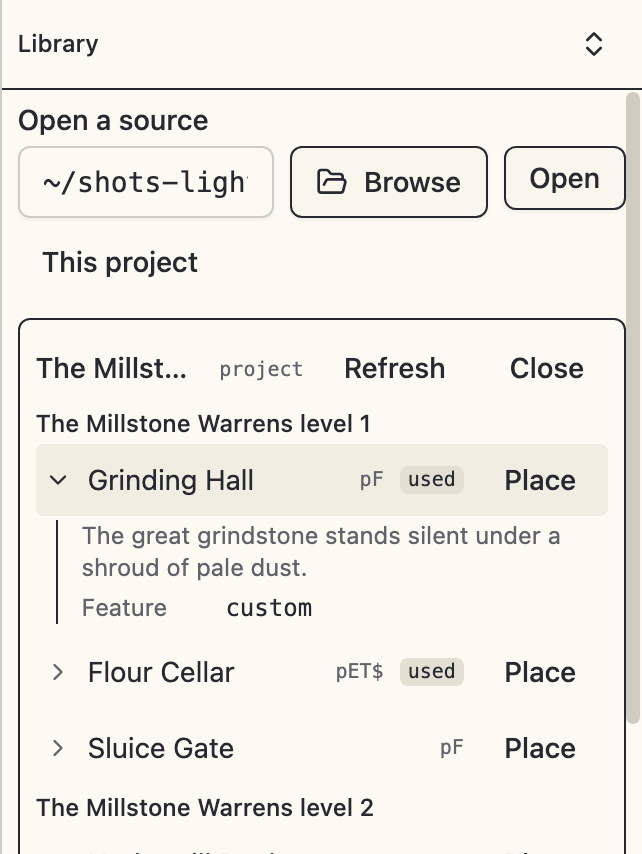
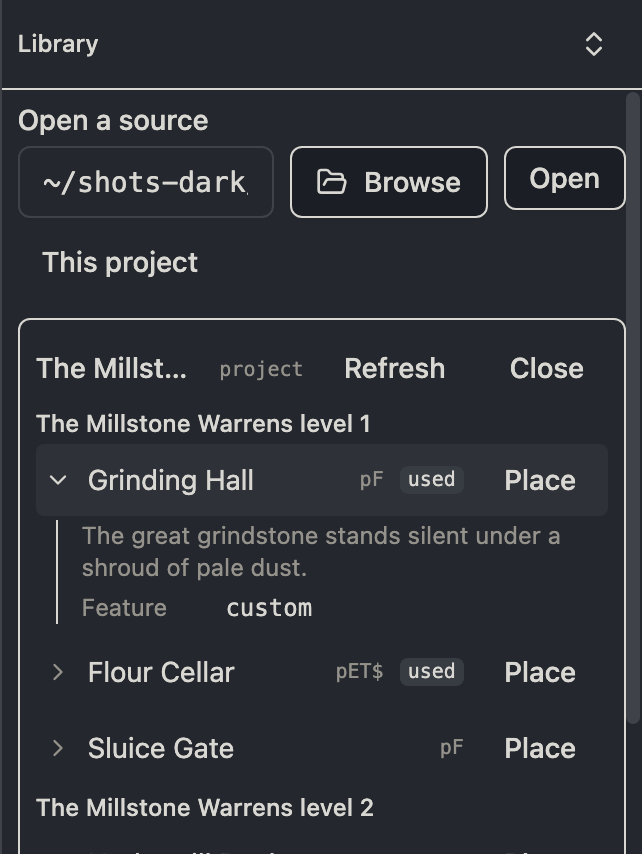
Every entry row previews in place: the chevron discloses the entry's description and one module-notation line per kind the entry holds — the encounter with its monster names resolved, the trap, the treasure, each feature — so you can read a room before placing it rather than dropping it to find out. The toggle in the panel header expands or collapses every row in every open pack at once, for scanning a whole palette. Previews are read-only, like everything else in the panel; placing is still the only write.
Long section and entry labels truncate to the panel's width rather than pushing the glyphs and the Place button out of frame — and the panel's width is yours to set, so drag it wider when a palette's names deserve the room.
Placing a room
Every entry row is a drag source and a Place button. Drag onto an area and release, or arm the entry and click an area — the click path serves keyboards, trackpads, and assistive tech, and either way the area under the pointer highlights before anything commits. While armed, panning still works, a click on corridor or empty paper is a no-op that leaves the entry armed, and Escape, a tool, or closing the panel disarms. Drops land on existing areas only: corridors are unkeyed floor, and creating areas stays the area tool's job.
A drop writes exactly what the entry holds, as one ordinary op batch — one undo step, immediately linted. Merge is the default posture, not a mode: a trap-only entry dropped on a stocked room touches only the trap slot, and features always append, re-keyed under the level's next-free convention.
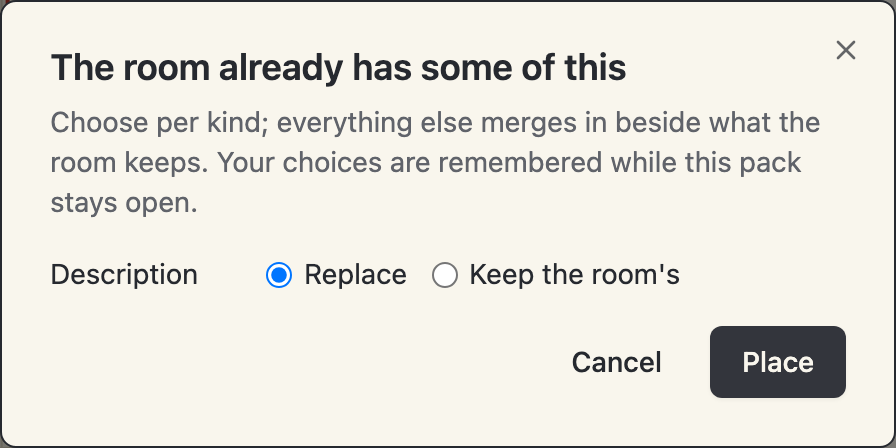
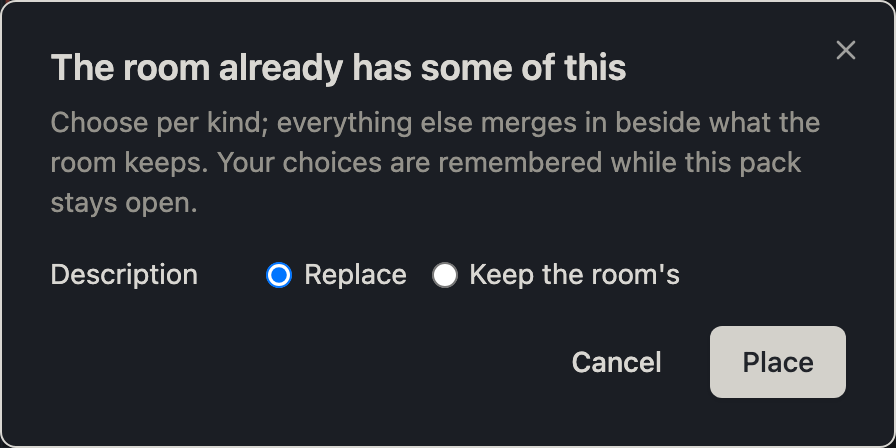
When a kind in the entry would overwrite something the room already has, one dialog names the colliding kinds with per-kind replace-or-keep choices, replace preselected. Your choices are remembered while that pack stays open, so stocking an imported One Page Dungeon level — whose every area arrives with Watabou's note text — prompts once, not thirty times.
Monsters travel by closure
A dropped encounter that references the source's own bundled monster brings the template along in the same batch. Nothing mints what the target already holds: an identical template already bundled is reused by id, a structurally identical one under another id is reused by reference rewrite — so thirty drops of one monster add it once — and only a genuinely different template under a taken id clones as <id>-<n> with the dropped reference rewritten. In a forge-backed project a closure-bearing drop blocks in place with the detach offer, like any edit with no override kind; drops that resolve entirely against the shipped catalog or templates the project already holds land as ordinary overrides.
A pack that references something neither it nor the catalog holds lists findings at the top of its panel entry — visible, never blocking, the same posture as the diagnostics panel. Such entries still drop; the dangling reference becomes an ordinary validation finding in the target.
Copying a wandering table
Room drops never touch the level's wandering table. A pack section that holds an authored one — anything beyond the rules' defaults — offers Copy wandering on its level row, which replaces the current level's wandering spec whole, closure included.
The stash
The two bulk content-destroying acts offer to bank what they destroy first:
- Replacing a level's geometry (a map import in replace mode) removes its keyed areas and their content.
- Clear content strips a level back to its geometry.
Both dialogs tally exactly what the act removes and show a checkbox, on by default: stash this level's content in the library first. Accepting banks the level's rooms — and its wandering table, when authored — as a stash pack labeled by dungeon, level, and date. Level-scope features are cell-bound and are not captured; undo is their way back, exactly as it is for the geometry.
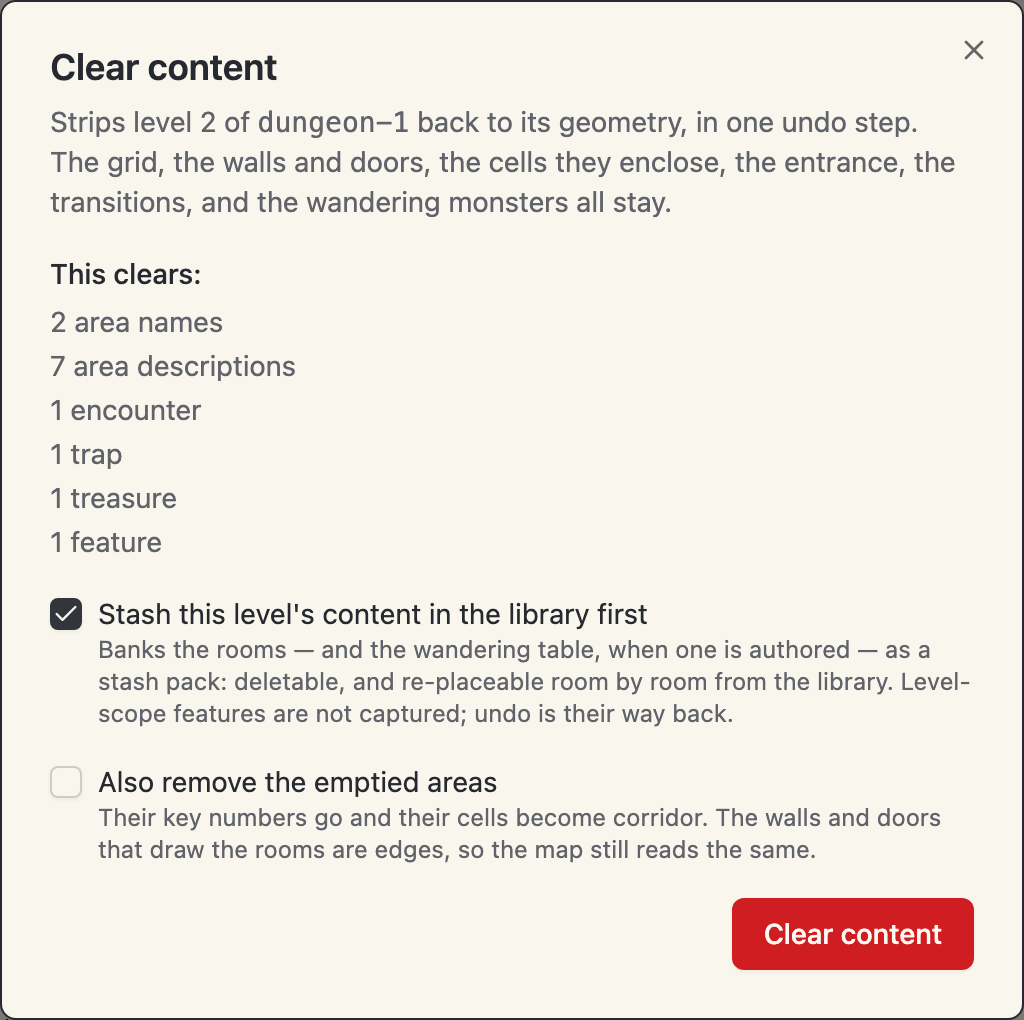
This is the map-swap workflow: replace a stocked level with a fresh One Page Dungeon import, keep its content in the library, and re-place it room by room on the new geometry. A stash pack is an ordinary pack — usable on another level, another dungeon, or after the swap you almost regretted: undoing the replace restores the level while the stash pack persists, a harmless duplicate you can delete. Deletion is manual, behind a confirm that names what is discarded.
Used badges
Every drop and wandering copy records where it came from, powering the used badges on the palette — stocking is a checklist activity and rarely one sitting. Used means placed at least once: undoing a drop does not unearn the badge, and re-dropping is always allowed. A stash pack reads fully used when every room it banked — and its wandering table, if captured — has been placed somewhere at least once.
The records are provenance, never a link: nothing re-syncs when a source changes, and a source project that moves keeps only the badges already earned under its old path.