The monster editor
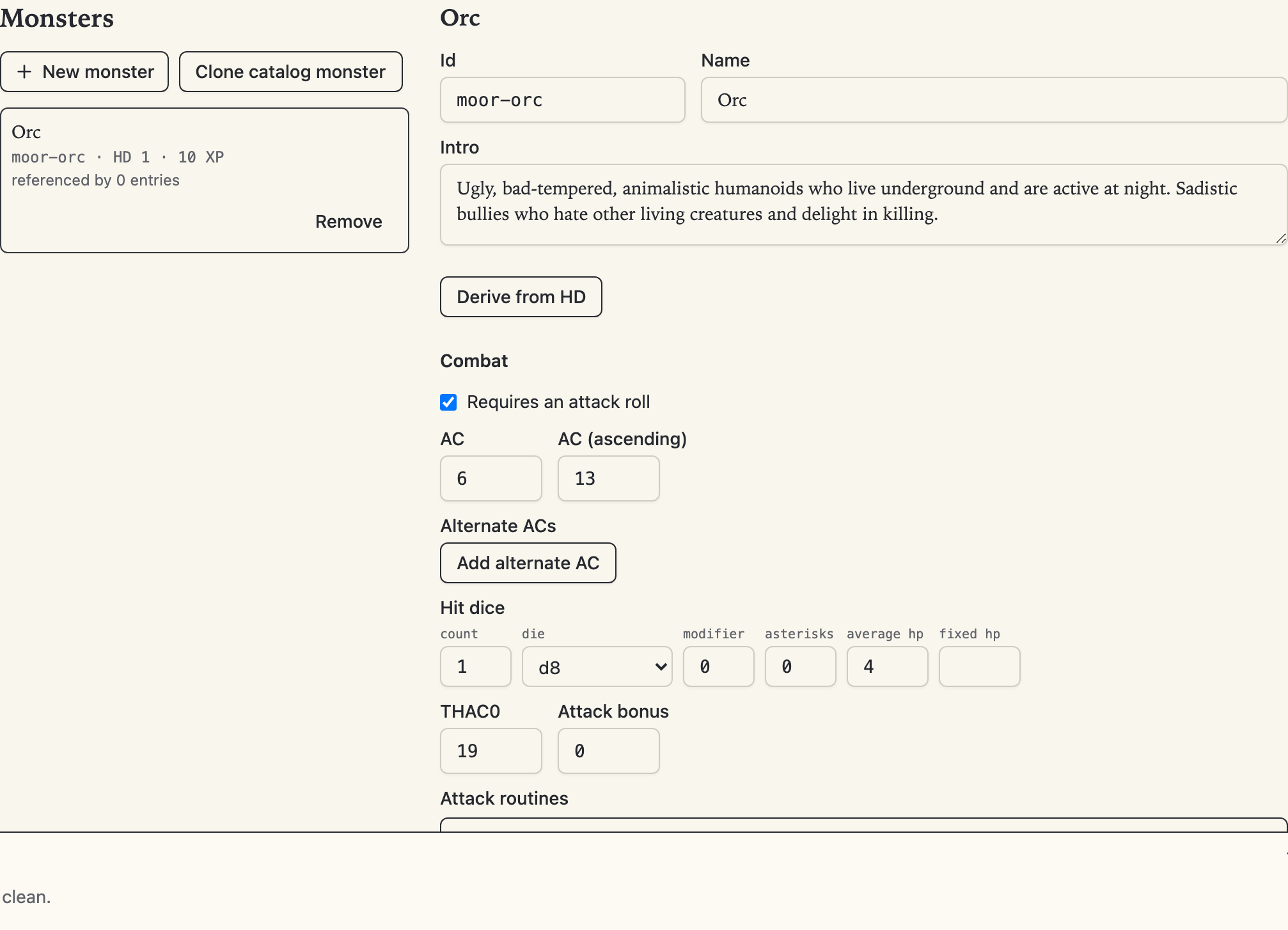
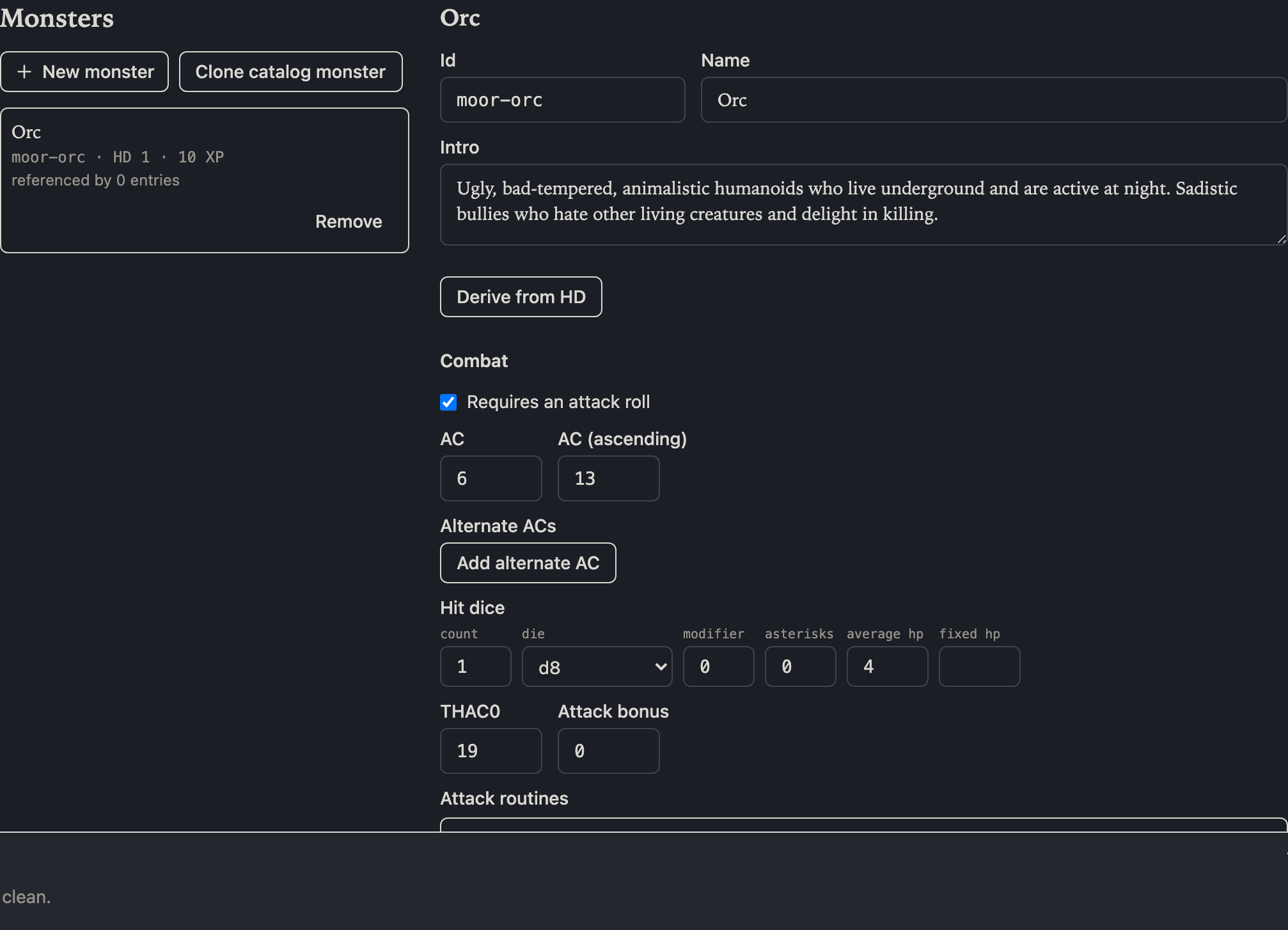
The Monsters section, beside Adventure and Town in the section list, is where you create monsters of your own: "like an orc, but…", or something no book has. Monsters you create here travel inside the adventure itself — the interface calls them bundled — and stand beside the catalog of stock monsters every osrlib game ships with, anywhere the editor asks for a monster: a room's keyed encounter, a wandering-monster table.
Creating a monster
Two ways in:
- New monster starts from scratch: an id and a name get you a valid stock one-hit-die stat block the detail editor then reshapes field by field.
- Clone catalog monster copies any stock monster's whole stat block as the starting point, free id suggested.
The monster picker on an encounter card offers a Create monster… shortcut into the same flow, so a monster you haven't made yet never breaks your stocking stride.
The detail editor
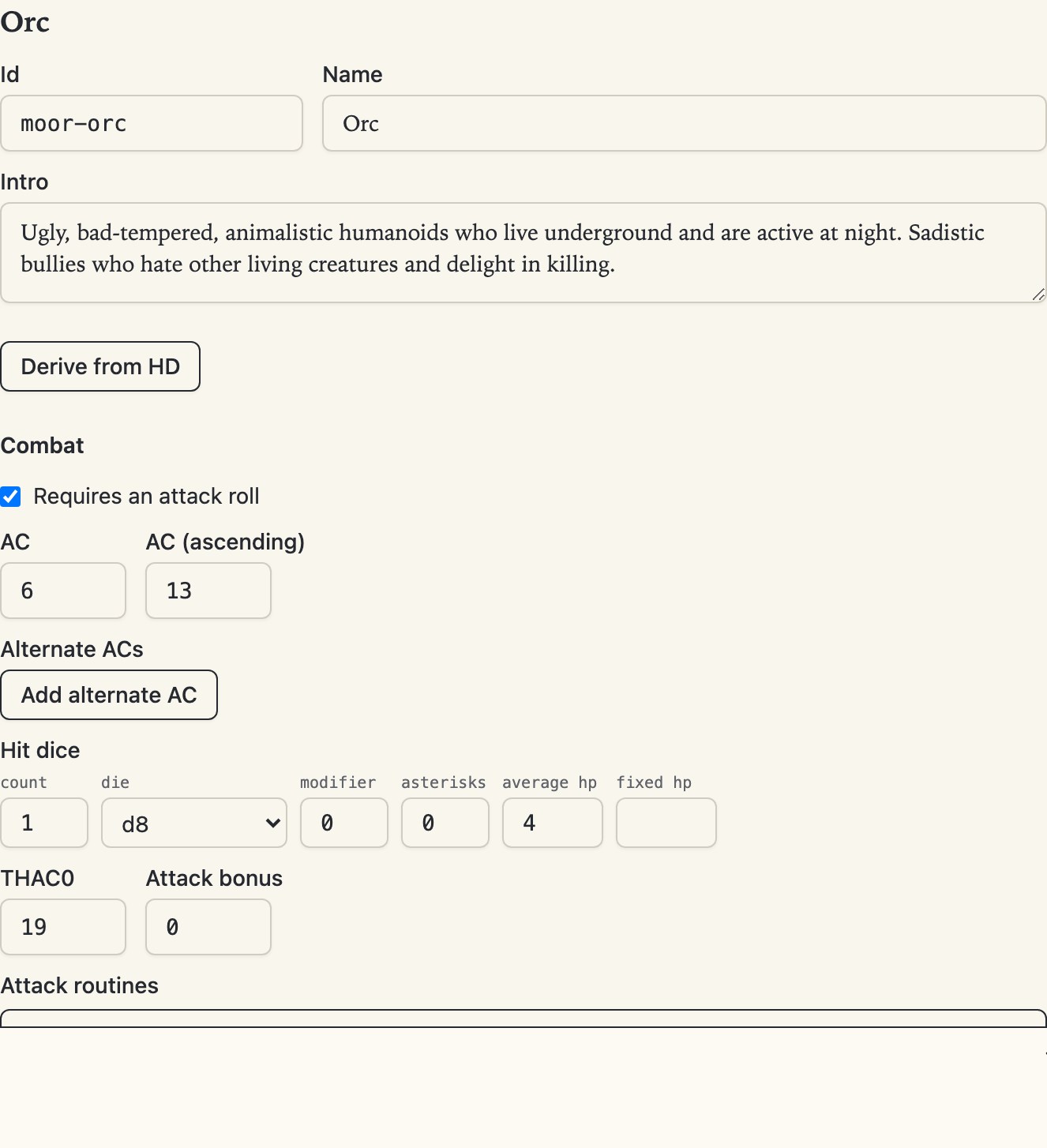
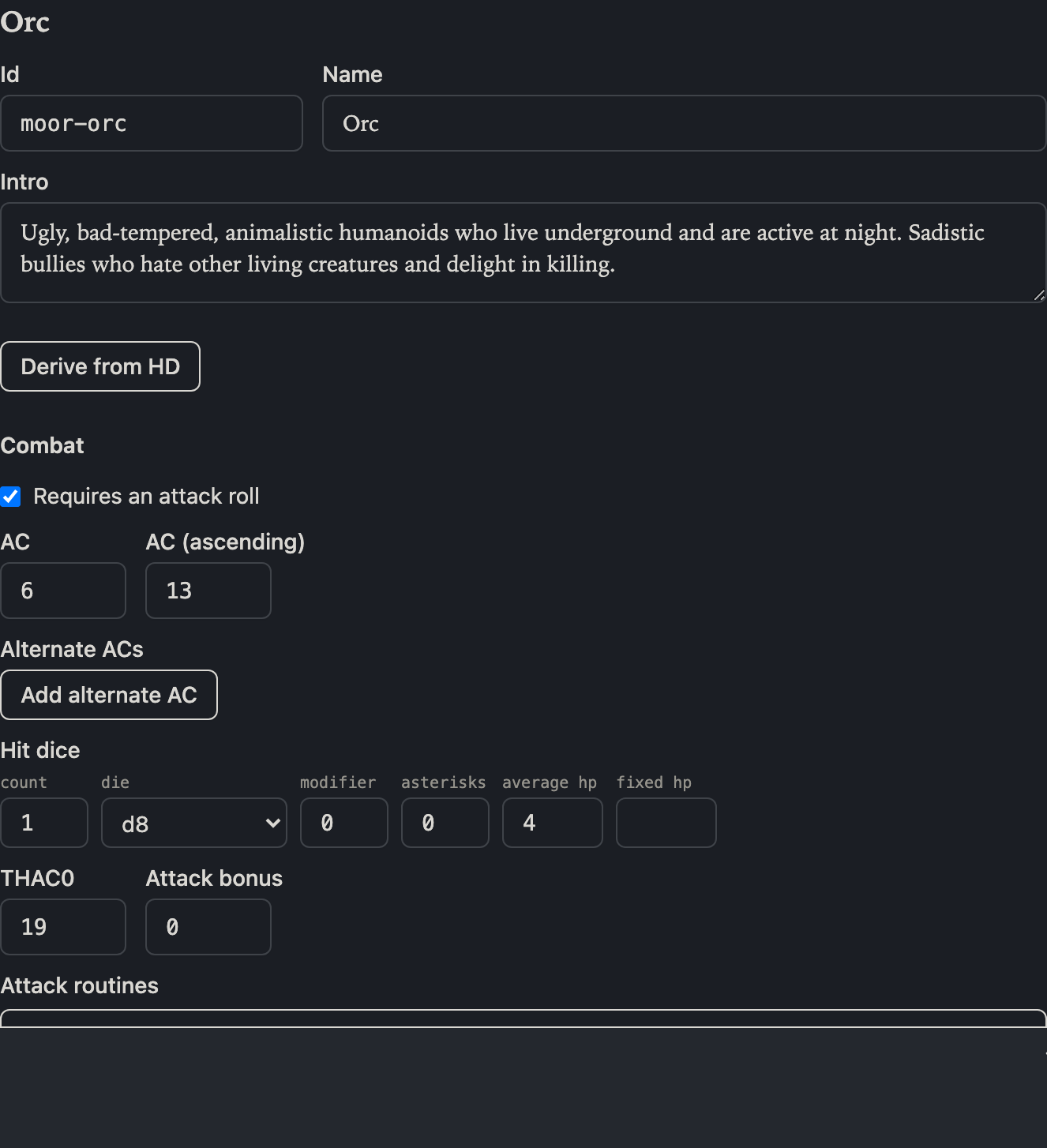
The detail editor covers the whole stat block, and — like the rest of the editor — saves each field as you commit it; there is no save button. Everything the game reads is here: armour class (descending and ascending, gated by the attack-roll toggle), hit dice, attack routines in order, movement modes, saving throws, morale, alignment, XP, number appearing, the treasure reference, special abilities with their named values, defenses, and categories.
Dice fields check your notation as you type; the server has the final say when the field commits. The derive from HD buttons fill XP, the THAC0 and attack-bonus pair, and the saving-throw band from the hit dice you set, so a reshaped monster's numbers stay consistent with the rules tables — see authoring aids.
Renaming and removing
Every monster has an id — the short machine name in the monospace font — and no two monsters in a game may share one: not a stock monster's, not another of yours. Type a taken id and the editor refuses right where you typed it, with a prompt to pick another. (An adventure that arrives with a collision still opens and edits; the collision is reported in the diagnostics panel instead of locking the monster.)
To rename a monster, change its id. Every encounter line and wandering-table row that names it follows in the same step, as one undo, and your author note moves with it. Removing a monster something still references warns you first, with the count; the references stay in the document and surface in the diagnostics panel, each one a click away, so nothing is ever lost silently.
Your monsters rank first in every picker, and they ride publish into osr-web unchanged — the party meets exactly the stat block you wrote.
In converted projects
A project still in forge-backed review derives its monsters from the conversion, so the section shows that derived list to review, and the authoring gestures — create, clone, edit, remove — offer Detach to a native project in place instead of committing. Conversion-side fixes belong to the review chrome's Monster resolution panel: remap an unresolved name to a catalog monster, or correct the printed stat block in the page's own notation.