Import, export, and publish
The three ways an adventure crosses the project boundary — in from another source, out as the stamped document, and onto a game server.
Import geometry
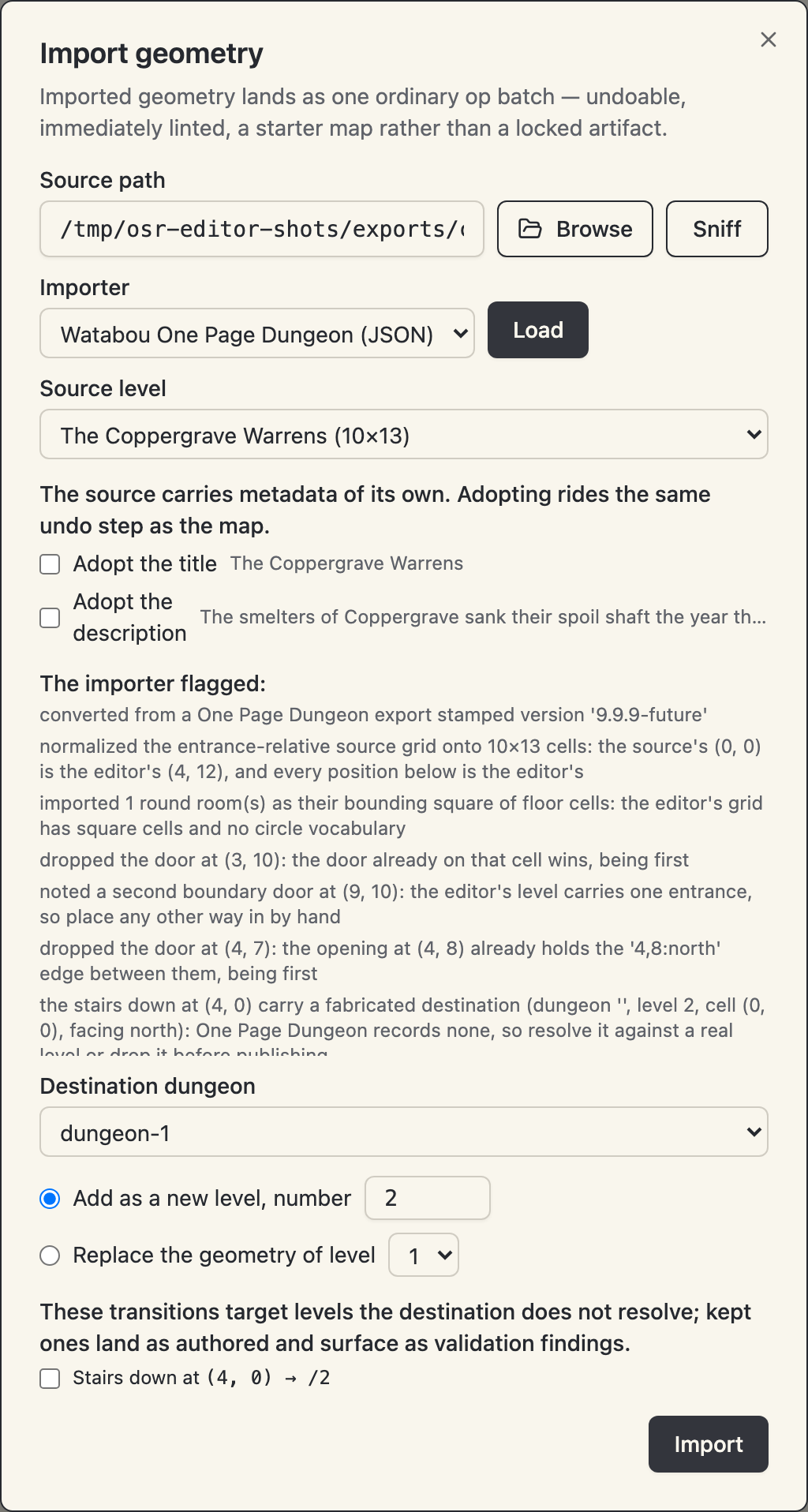
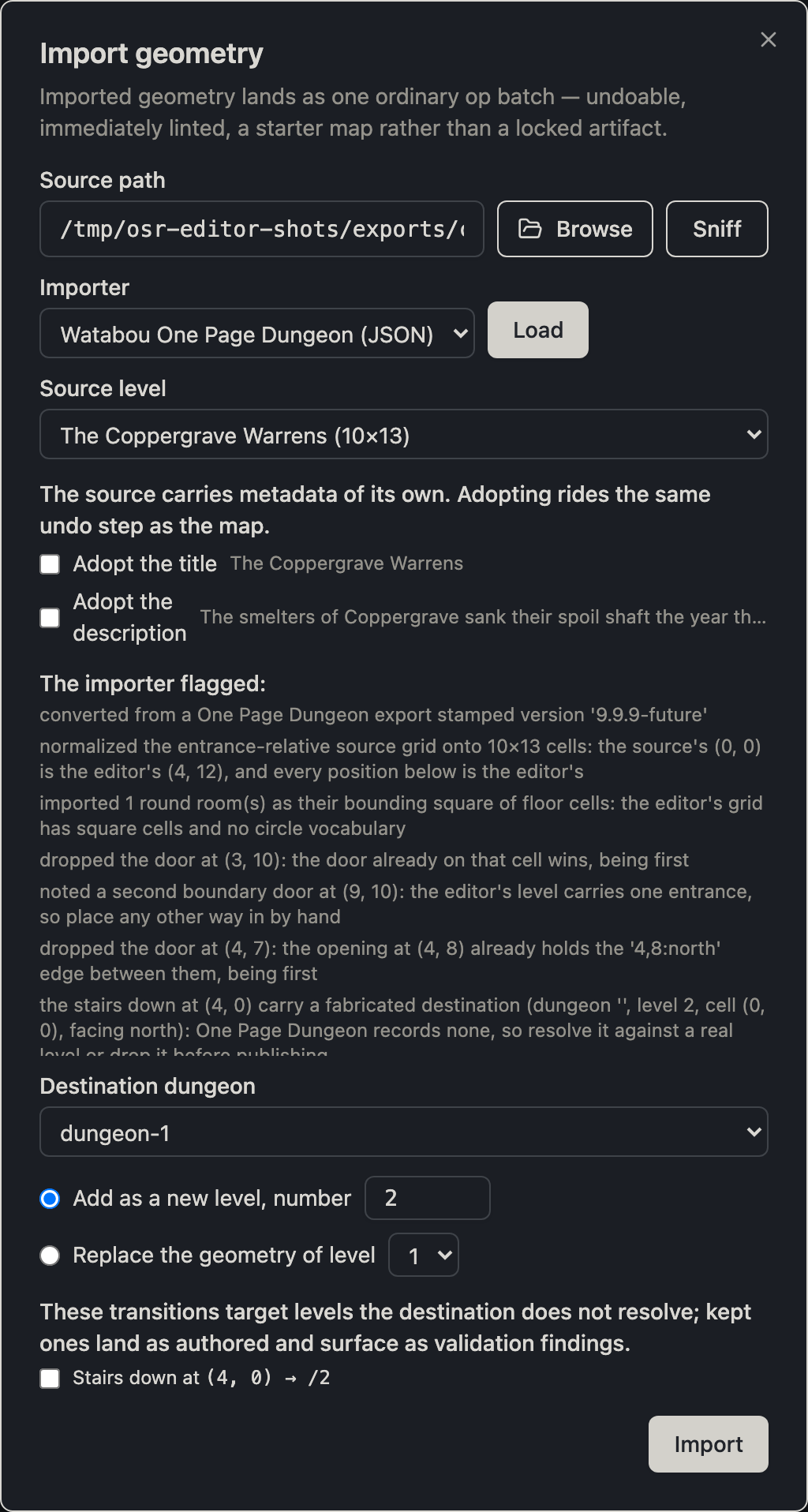
Import geometry in the map chrome brings a level in from outside. Point the source path at a directory or a file; sniff picks the converter. Two converters ship with the editor, and any installed importer plugin joins them — importers register through the osreditor.importers entry-point group, and writing a geometry importer shows how to ship one.
- From another project — any native project or forge workdir. Every level of every dungeon is offered, normalized to what the editor's op vocabulary admits, with a note for every repair the normalization made.
- From a Watabou One Page Dungeon JSON export — the generator's exported dungeon, converted onto the editor's grid. The reader resolves the export's door cells onto the editor's door edges, keys its positioned notes as areas, normalizes its entrance-relative (and routinely negative) coordinates, and flags every judgment call it made: the portcullis mapped onto a locked door, the rotunda onto its bounding square, the dropped columns and water, the fabricated destination on a level transition the source does not describe — a validation error until you resolve or drop it, so publish will not pass it by. The export's title and story are offered for adoption on the same batch, off by default. The format and the generator are Watabou's, read under their stated permissive terms; no generator code ships here.
The import dialog renders every converter note before anything commits, and the whole import — geometry, keyed areas, adopted metadata — lands as one undo step.
An import that brings prose you didn't want — a One Page Dungeon export describes every keyed room — comes back to blank rooms in one more step: Clear content on the level row strips the level to its geometry, keeping the map and discarding the keys' contents. See the map editor.
Export
Export writes the stamped adventure.json to any path you choose: the canonical, schema-stamped document any osrlib-powered game loads. Export is a copy of the working document, not a different artifact — a native project's adventure.json is already this exact file.
Publish to osr-web
Publish (beside export) places the adventure in an osr-web checkout's adventures/ directory:
- Symlink — live: every committed edit republishes instantly. In a forge-backed project, every correction re-assembles and republishes the same way.
- Snapshot — a point-in-time copy that stays put while you keep editing.
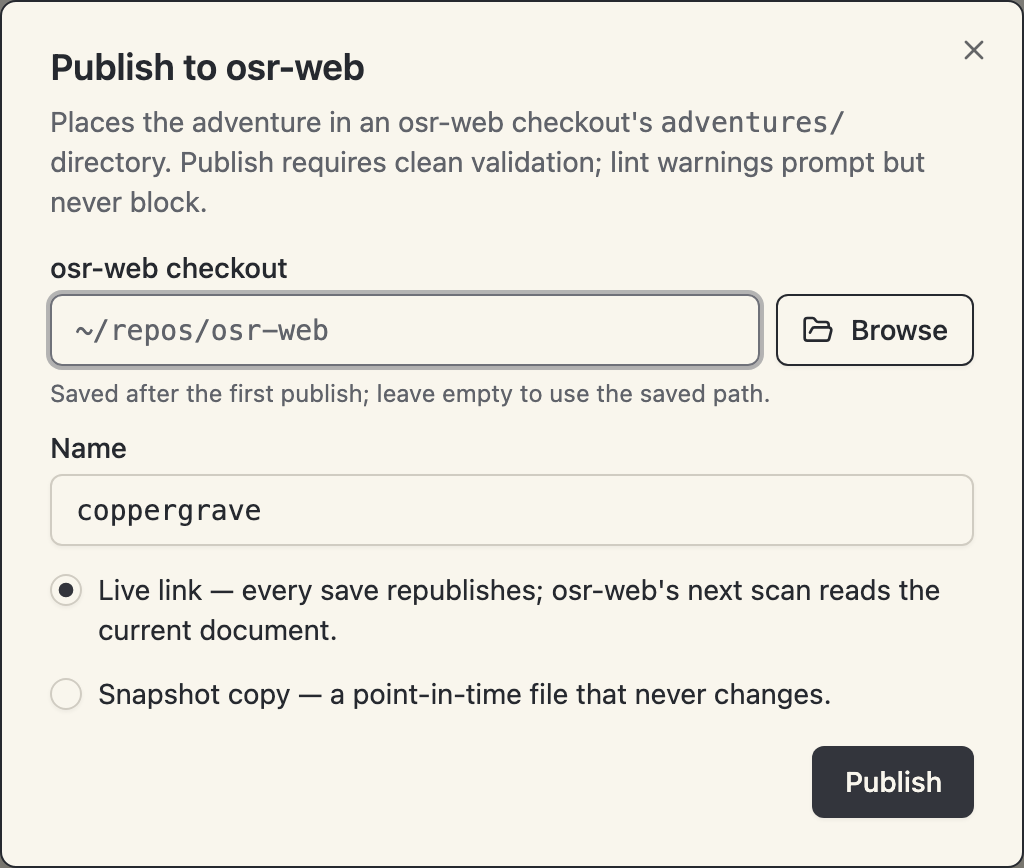
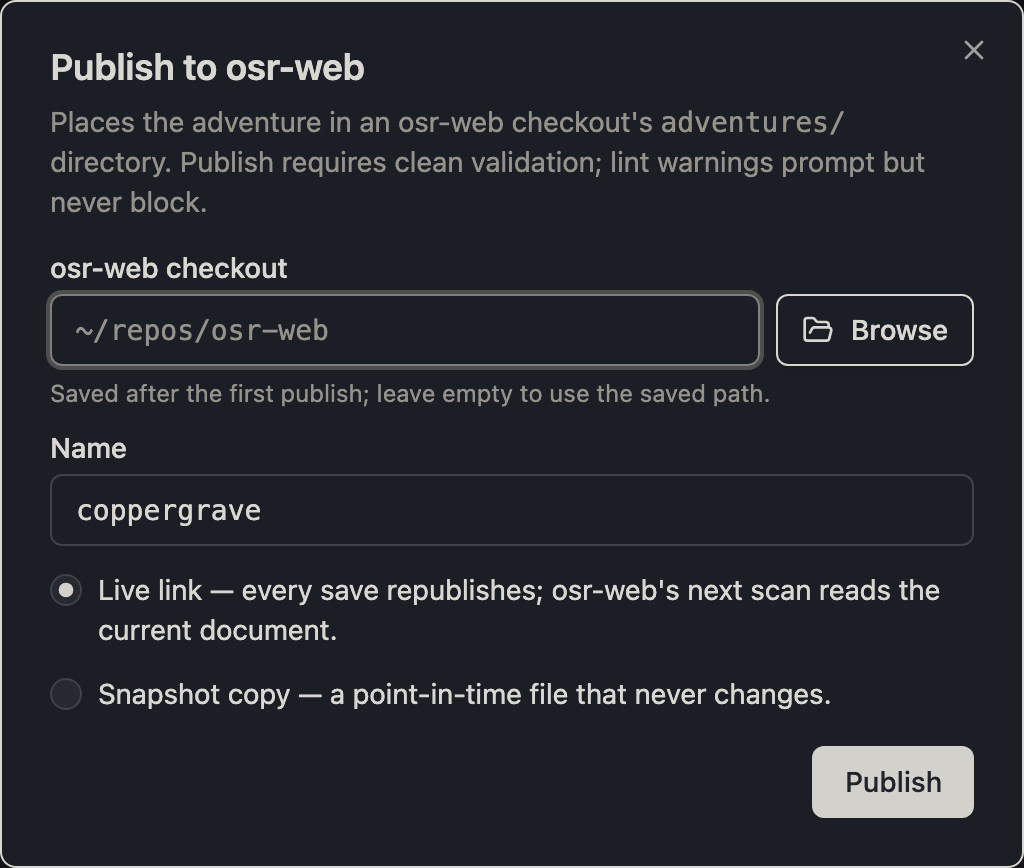
Publish requires clean validation; lint warnings prompt but never block (secret-only access is sometimes the point). The checkout path is collected on first use and saved to the app config once its shape checks out — see the CLI and configuration.