The item editor
The Items section, beside Monsters in the section list, is where you create items of your own: a brass key for a door in your module, a blade with a history, a lamp no equipment list includes. Items you create here travel inside the adventure itself — the interface calls them bundled — and stand beside the standard catalog, the equipment and magic items every osrlib game ships with.
Once created, an item can go anywhere the editor takes one: into a treasure cache's item list for the party to find, or onto a gate — a door or stairway the party can pass only while carrying the item. When you publish, your items ride along inside the adventure, and in play the game treats them exactly like catalog items: found, carried, dropped, given, and — if a gate consumes it — spent.
Creating an item
Two ways in:
- New item starts from scratch. Choose a kind — weapon, armour, gear, or ammunition — give it an id and a name, and a valid starter template of that kind is created for the detail form to reshape.
- Clone catalog item copies an existing item as the starting point: "like a torch, but…". The dialog suggests a free id, and every field is yours to change afterwards.
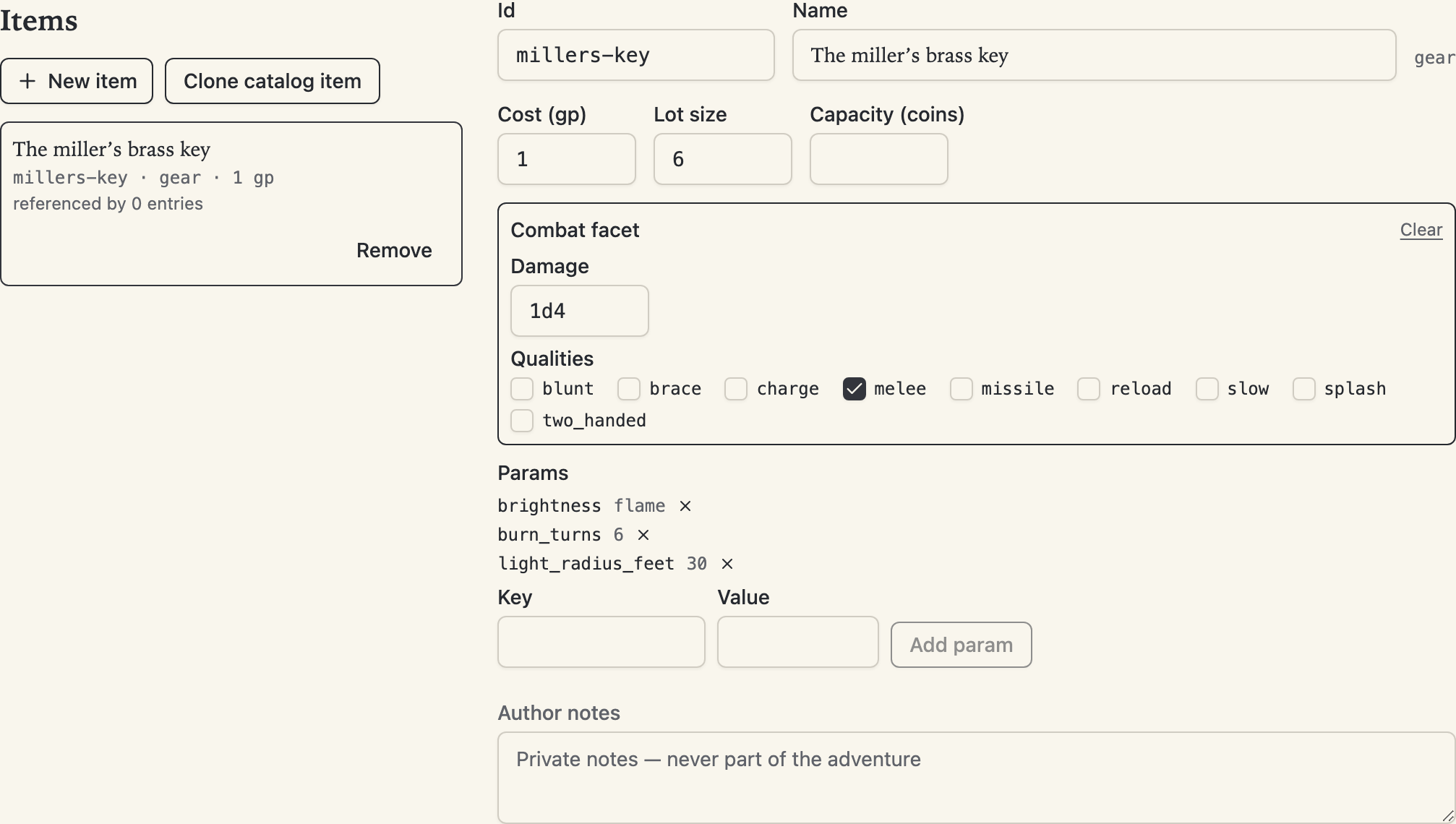
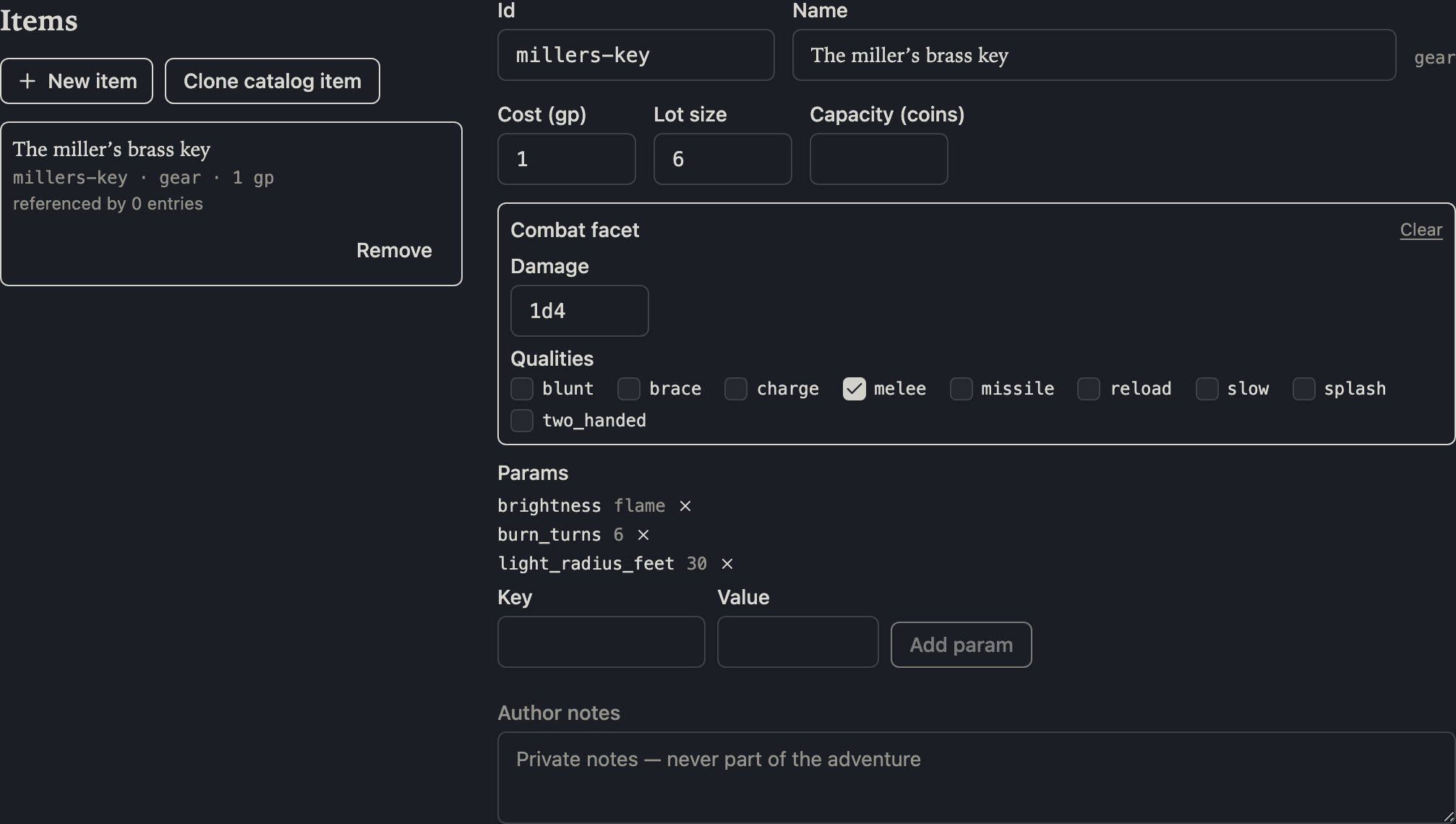
Every item has an id — the short machine name shown in the monospace font — and no two items in a game may share one, because in play an id has to mean exactly one thing. "No two items" is meant broadly: your id may not collide with the standard equipment, with any magic item, or with another item of yours. Type a taken id and the editor refuses on the spot, right where you typed it, with the reason — nothing is created or renamed until the id is free. (An adventure that arrives with a collision, from another tool, still opens and edits; the collision is reported in the diagnostics panel instead of locking the item.)
The detail forms
Each kind gets a form covering everything the game knows about it. Like the rest of the editor, it saves as you commit each field — there is no save button — and dice fields check your notation as you type.
- Weapon — cost, weight, damage dice, the weapon's qualities, and its material (silver matters to some monsters). Tick the missile quality and the form adds the three range bands to fill in; untick it and they go. The two travel together because the rules never allow one without the other, so the form simply doesn't let that state exist.
- Armour — body armour or a shield: pick which, and the form swaps to the right fields. Body armour has the armour class pair (descending and ascending) and a weight category; a shield has just its bonus.
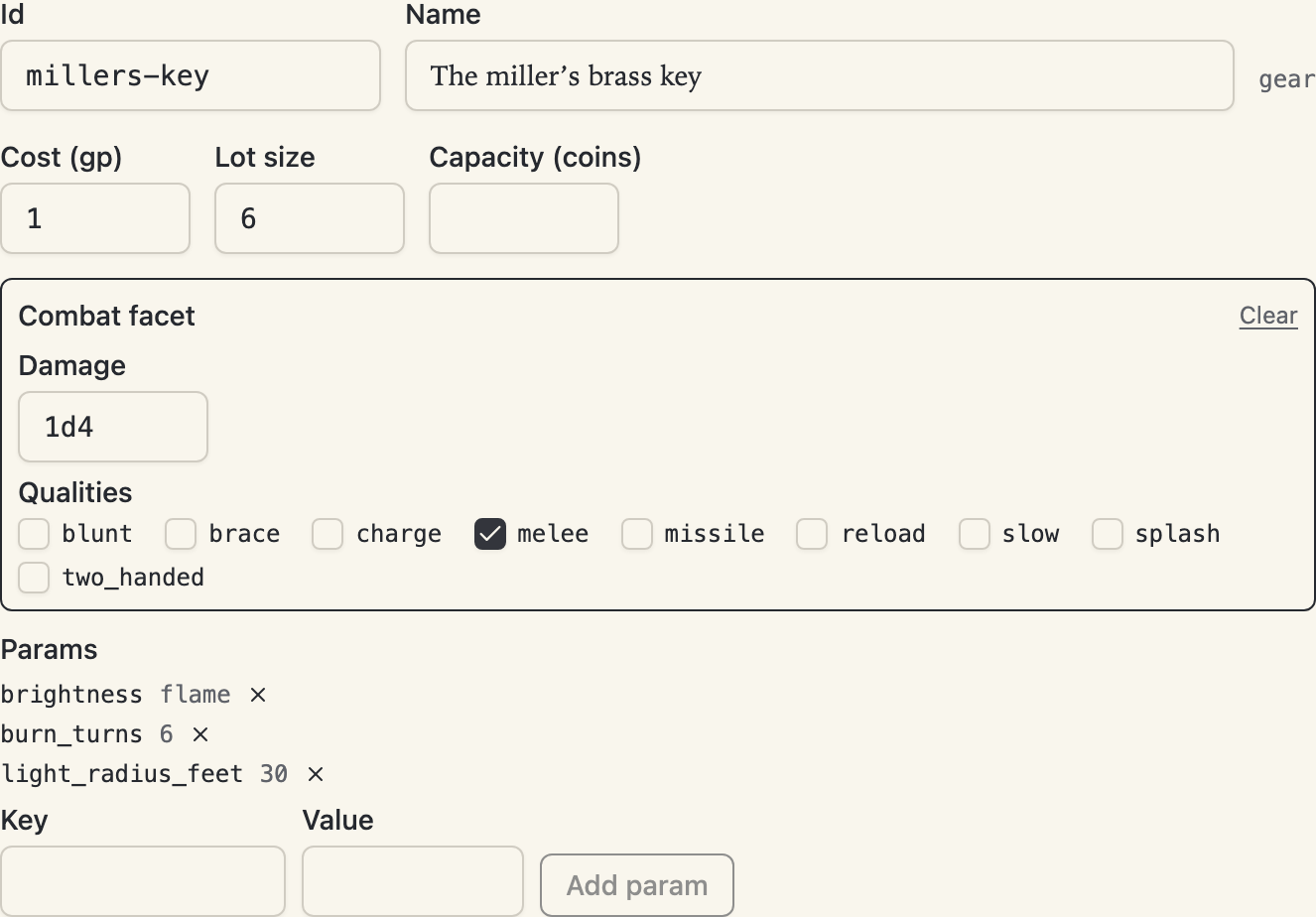
- Gear — cost, the lot size one purchase buys, an optional container capacity, an optional combat facet for gear you can fight with (the torch and burning-oil arrangement: damage, qualities, ranges), and params — extra named values some game mechanics read, like a torch's burn time. A param value that reads as a number or true/false is stored as one; anything else is stored as text.
- Ammunition — cost, lot size, weight, and material.
Renaming and removing
To rename an item, change its id in the detail form. Every mention of it follows in the same step — treasure caches naming it, gates whose condition names it — as one undo, and your author note moves with it.
Removing an item something still mentions warns you first, with the count. The mentions themselves are never silently deleted: they stay in the document and appear in the diagnostics panel, each one a click away, so you can retarget or remove them on your own terms. Add an item back under the same id and those findings clear.
Wherever the editor offers an item picker, your items come first: the treasure-cache picker groups them under This adventure ahead of the standard kinds, and a gate's item picker offers them beside the standard equipment and the magic items.
In converted projects
A project still in forge-backed review — a converted PDF whose corrections flow through overrides.yaml — cannot hold custom items: the conversion pipeline has no way to record one, a deliberate gap tracked at osr-forge#39. The Items entry still opens; it explains exactly this and offers Detach to a native project in place, the crossing that unlocks item authoring (and gates and level guidance with it).