Stocking and keyed content
Stocking starts on the map: it shows you which areas need work, and the stocking actions start from it.
The stocking menu
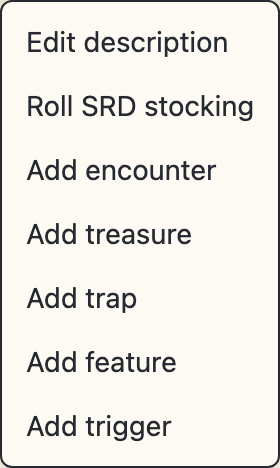
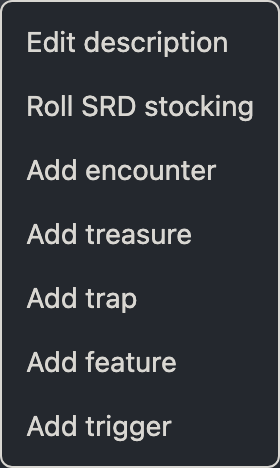
Right-click an area cell for the stocking menu: description, encounter, treasure, trap, and features. Encounter, treasure, and trap each appear as add, or as edit and remove when the area already contains one. Roll SRD stocking appears on blank rooms. For more information, see authoring aids. The menu also contains Add trigger, which creates a trigger bound to entering that area and opens the trigger in the Quests panel, plus an edit entry for each trigger the area already has.
Reading the map
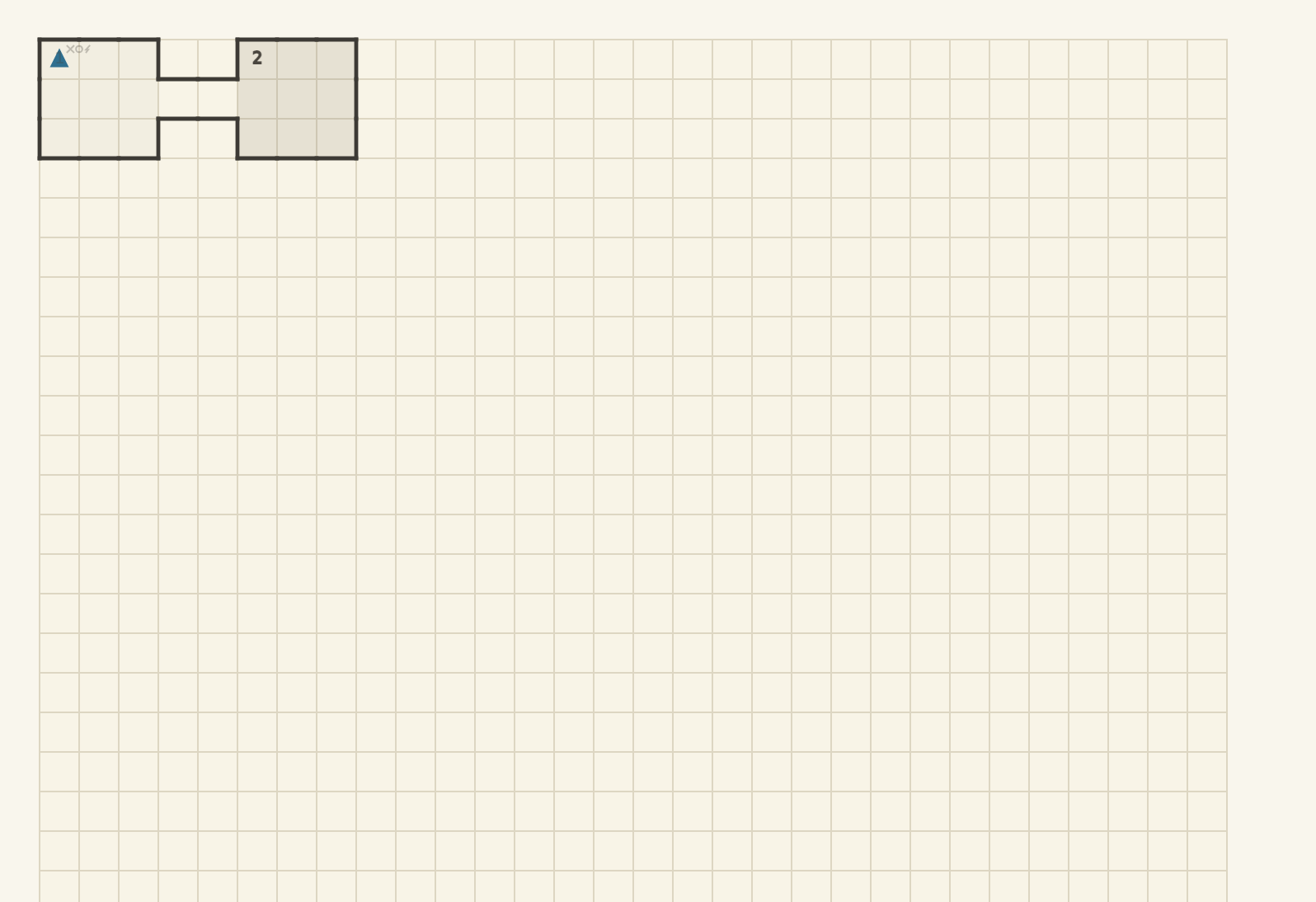
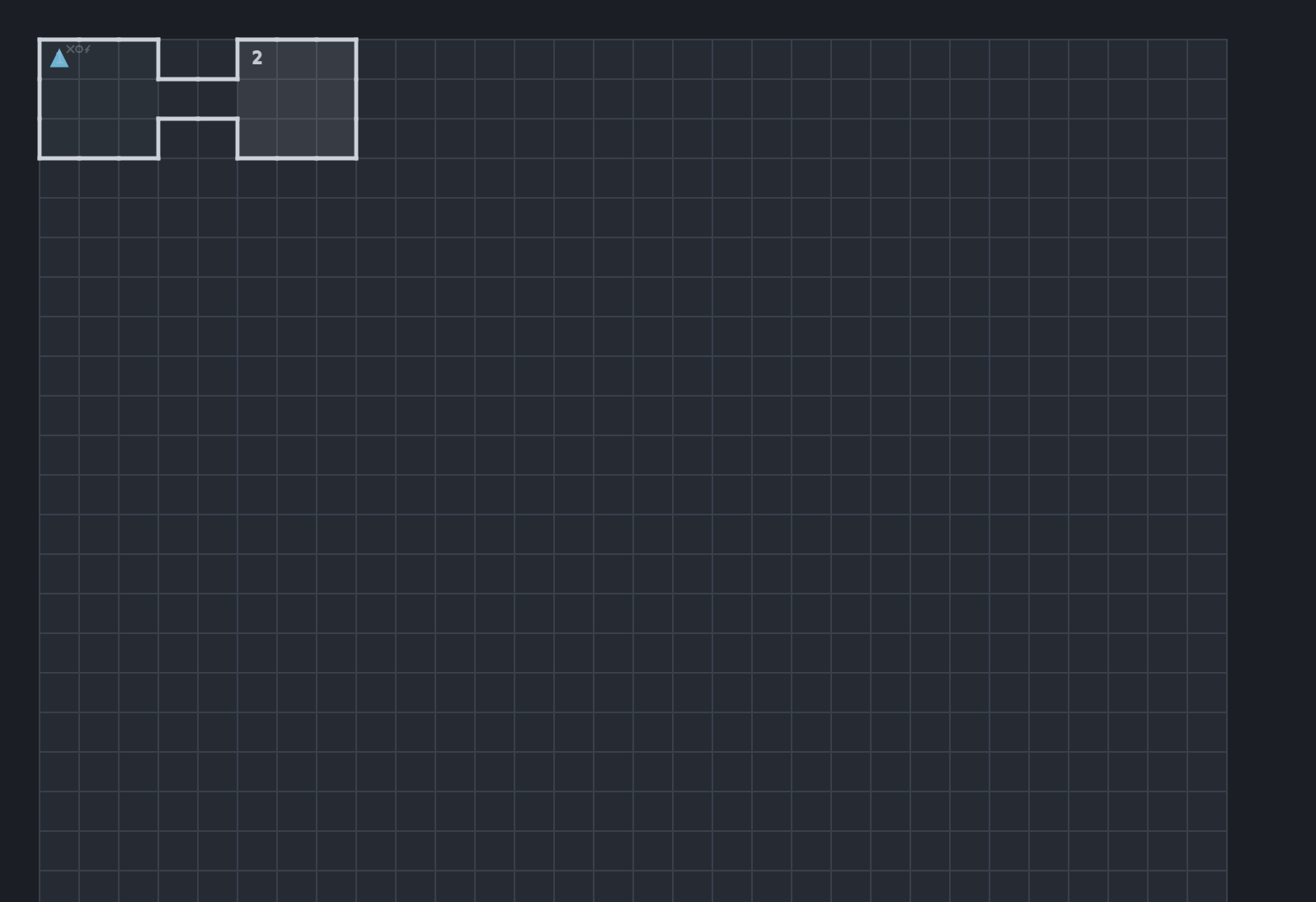
Key numbers render hollow until an area is stocked (a description or any content). The editor marks encounters, traps, and treasure with glyphs beside the number, and marks an area that has an entering-the-area trigger with a small lightning bolt. Hovering shows the area's one-line contents in module notation. F dims stocked areas so the blanks stand out, and [ and ] walk areas in key order. With the filter on, the walk visits unstocked areas only.
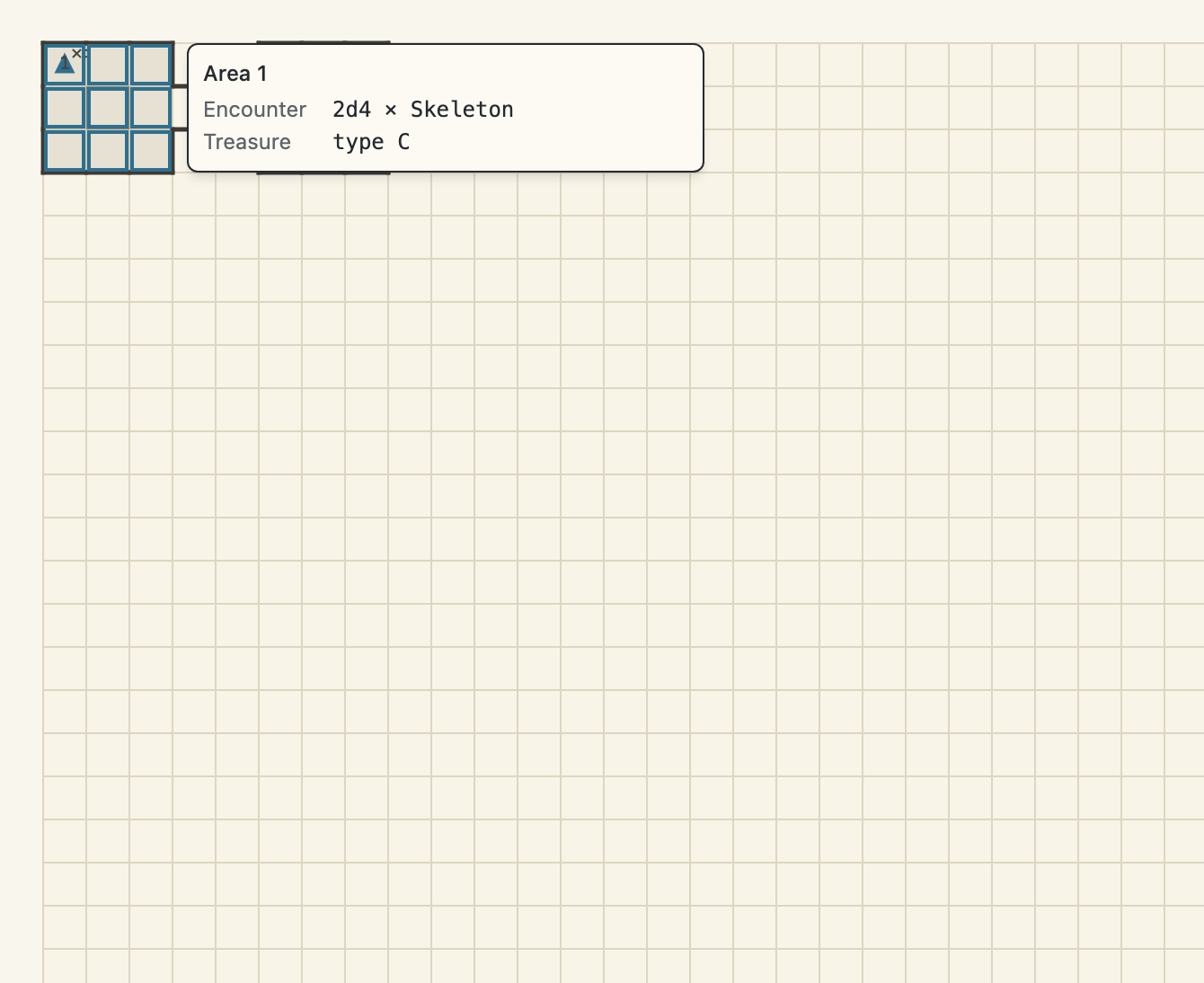
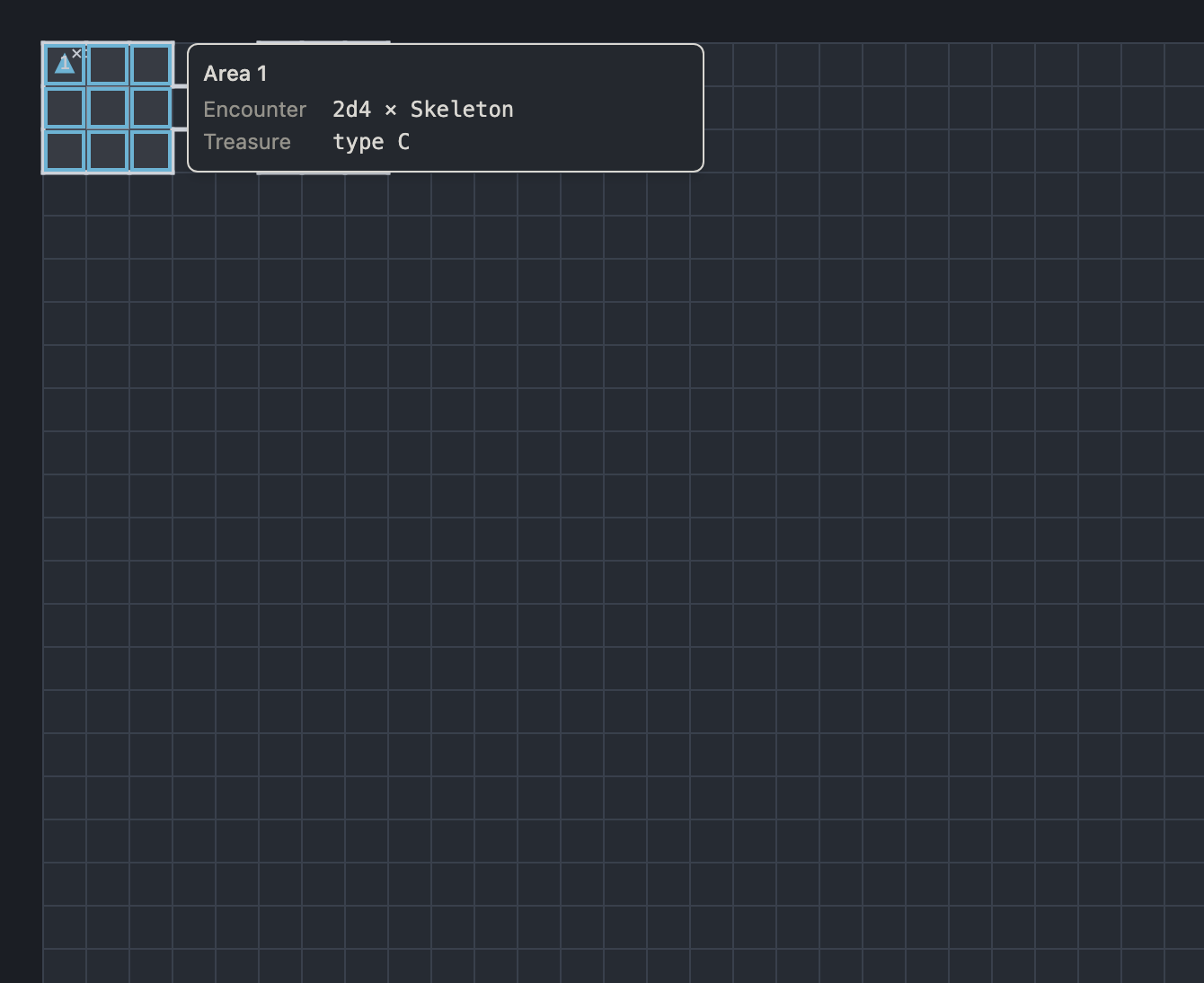
Reading a whole room doesn't take a click. Rest the pointer on a stocked or named area under the select tool and a hover card appears beside it, showing the area's id and name, its description, and one line per kind of content the area contains. The card disappears the moment the pointer leaves. The card never takes the pointer, so clicking through it works as if it weren't there, and it stays out of the way while you draw: the drawing tools, an armed library entry, and a drag from the library all keep it hidden.
The content cards
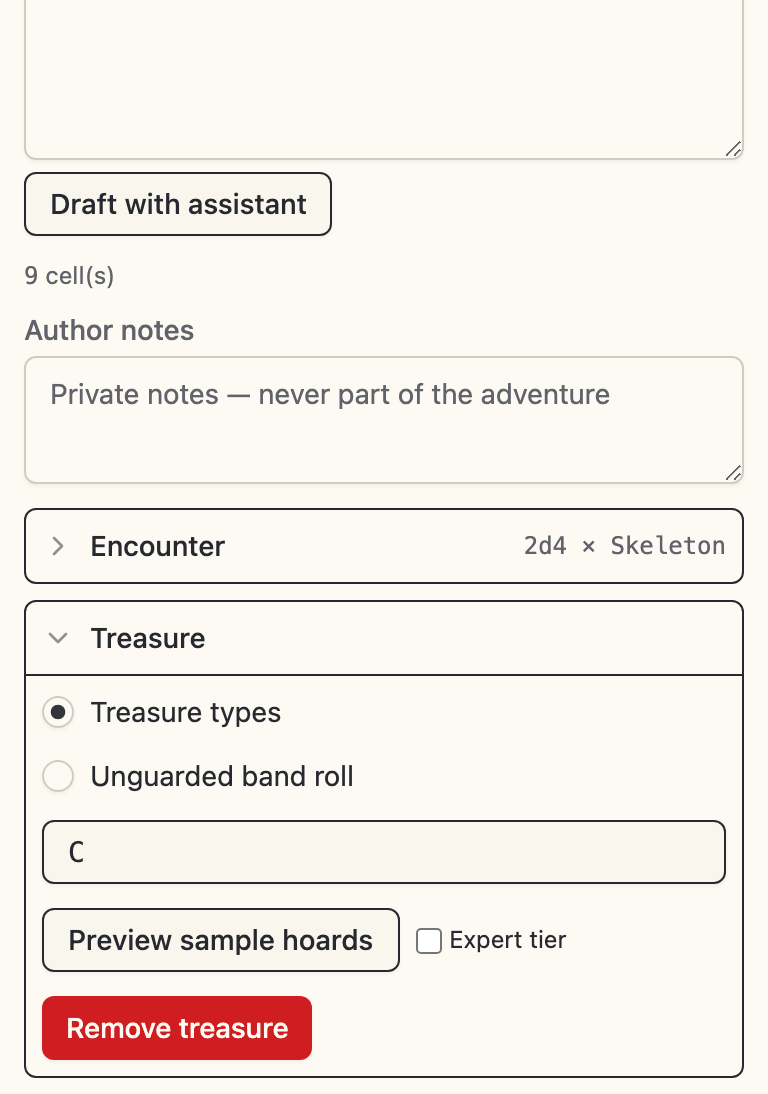
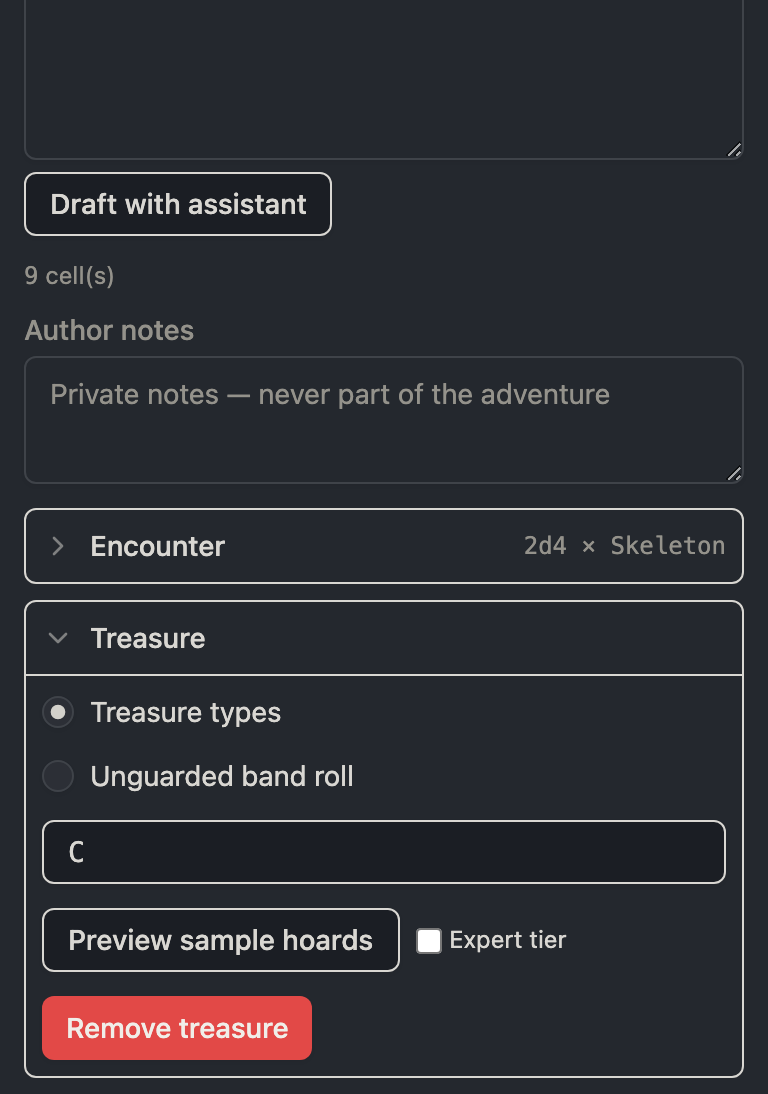
The area panel is laid out like a printed keyed entry: the description at the top, then one card per content kind. An empty card is a single-click add. A card with content shows a one-line summary in module notation and expands in place to edit. Each card has its own remove action, and every change commits as an ordinary undoable batch the moment you make it.
The cards pick monsters, equipment, and treasure-type letters through type-ahead pickers over osrlib's shipped catalogs (the monster picker ranks bundled templates first, then this session's recent picks), so the editor never authors a dangling reference. A dangling reference in a foreign document stays legal while editing, and the editor lists it as a finding you can navigate to.
One page per kind:
- Encounters - monster lines and counts, the reaction and awareness pins, the lair hoard, and the level's wandering table.
- Treasure - treasure type letters or the unguarded band roll, and when to use each.
- Traps - the composable trap builder, for room traps and for trapped caches.
- Features - keyed details, caches, and tricks, at area scope or level scope.