Triggers
The Quests section, beside Items in the section list, is where your module's wiring lives: the lever that raises a portcullis, the boss whose defeat unlocks the shrine, the homecoming beat that fires when the party walks back into town. The section holds two lists — the triggers this page covers, and the quests built from the same clause vocabulary.
A trigger is an authored binding with three parts: a pattern naming the moment it fires on, optional conditions that must all hold at that moment, and consequences — the referee commands the engine issues when it fires. A trigger with no consequences is a perfectly normal shape: its whole job can be its journal line.
Triggers pair naturally with gates. A gate is checked live at the moment the party attempts something — the door the party can open only while carrying the brass key. A trigger fires on something that has already happened — the lever that raises the portcullis. The classic pairing wires one to the other: a trigger's consequence writes a flag, and a door's gate names the same key.
Order is part of the design
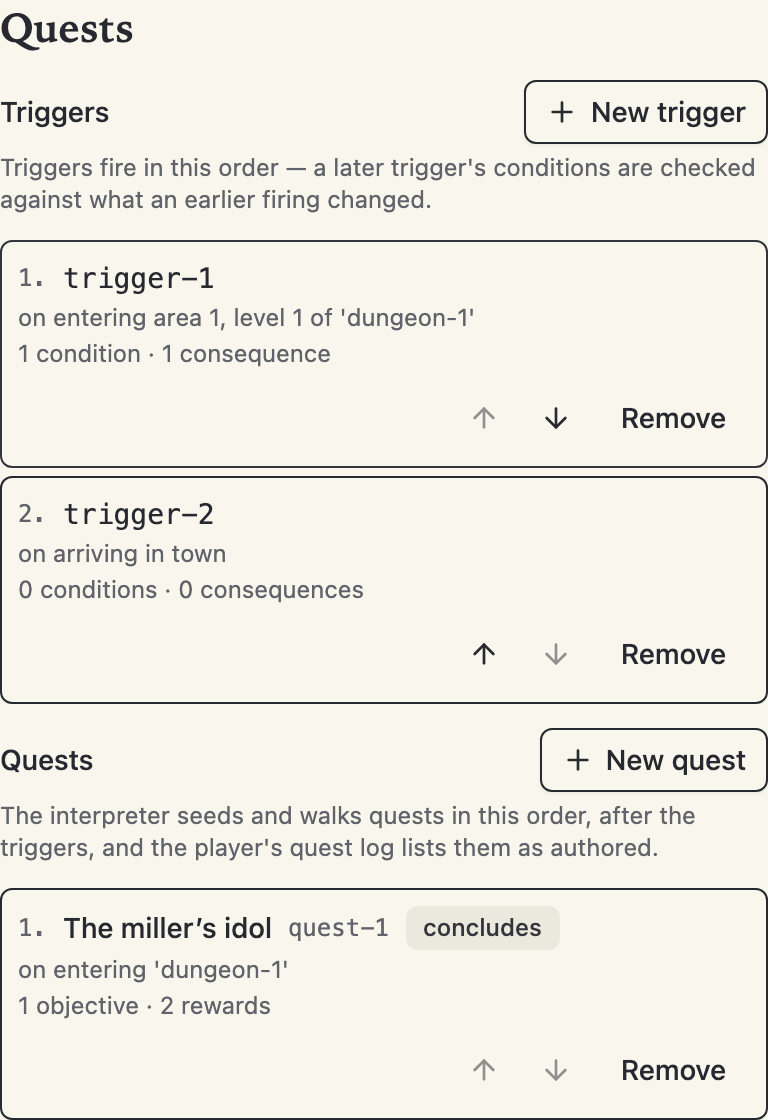
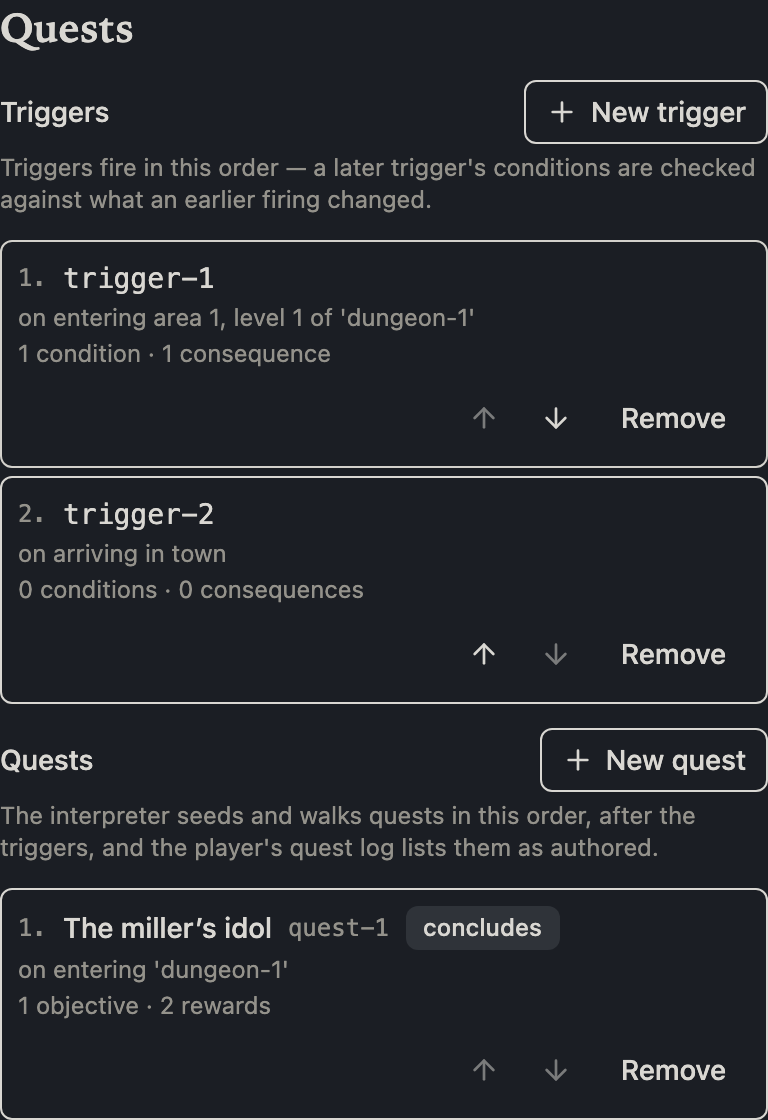
The list shows triggers in the order they fire, and the numbering is not decoration: when one moment matches several triggers, they fire top to bottom, and each firing's changes are visible to the conditions of the triggers below it. The move buttons on each row reorder the list; nothing in the editor ever sorts it for you. Consequences inside a trigger work the same way — they execute in the order you arranged them.
The seven patterns
The pattern is what the trigger watches for:
- Entering an area — the party steps into a keyed area. The pattern names the dungeon, the level, and the area together, because area keys only mean something on their own level.
- Entering a level — the party arrives on a dungeon level, whether by stairs or from town.
- Entering a dungeon — the party crosses into a dungeon from town or from another dungeon.
- Arriving in town — the return trip, however it happens. Town is one place, so this pattern needs no fields.
- Acquiring an item — any party member picks up, is granted, or buys an item with the chosen id. The picker offers the same domain a gate's carried-item condition uses: your bundled items, the standard equipment, and the magic items.
- Defeating a monster — a monster of the chosen kind is slain, routed, or surrenders. Defeats are counted when the fight ends, so the portcullis rises after the fighting stops, never mid-round.
- A flag is written — a session flag is set. By default the trigger fires on any written value; untick Any written value to match one exact value. The value keeps its type — the comparison in play is strict, so a flag set to the number
1never satisfies a pattern expecting the booleantrue.
Conditions
Conditions narrow the firing: the party carries an item, a flag holds a value, an effect is active. All of them must hold at the moment the pattern matches. One rule is enforced for you: a trigger's condition can never consume an item the way a gate's toll can. A trigger fires, it does not take — there is no attempt to charge a toll against — so the consume control simply does not exist here.
The nine commands
A consequence is one of nine referee commands, and the builder offers exactly those nine:
- Grant an item — an item from your bundle or the standard equipment (magic items are placed through treasure caches, not granted here, matching what the game engine accepts).
- Grant coins and Award XP — the five denominations, or an experience award.
- Set a flag — the wiring command: a key and a typed value that gates and flag patterns elsewhere can match.
- Spawn monsters — a monster kind, a count as dice or a fixed number (exactly one of the two), and a distance in feet. Spawning opens an encounter, so the engine requires the party standing in a dungeon with no encounter already open.
- Spawn an NPC party — a basic or expert party, optional composition dice, and a distance.
- Set a door state — rewrite a door's open, wedged, discovered, or unlocked state anywhere in the module. Each of the four is a three-way choice: leave unchanged, set, or clear. The door itself is picked on a map thumbnail that only accepts actual doors, so a door write can never name a blank wall.
- Place the party — teleport to town, or to a dungeon cell with a facing.
- Advance time — rounds, turns, or days, with full bookkeeping.
The three commands that give something to a character — grant an item, grant coins, award XP — address their recipient through a two-value choice: the whole party, or the first living character in marching order. There is deliberately no way to type a character's id: characters are created when a game session starts, so an adventure document can never know one.
Fired and journal — the two voices
A trigger's narrative block holds two beats, for two audiences:
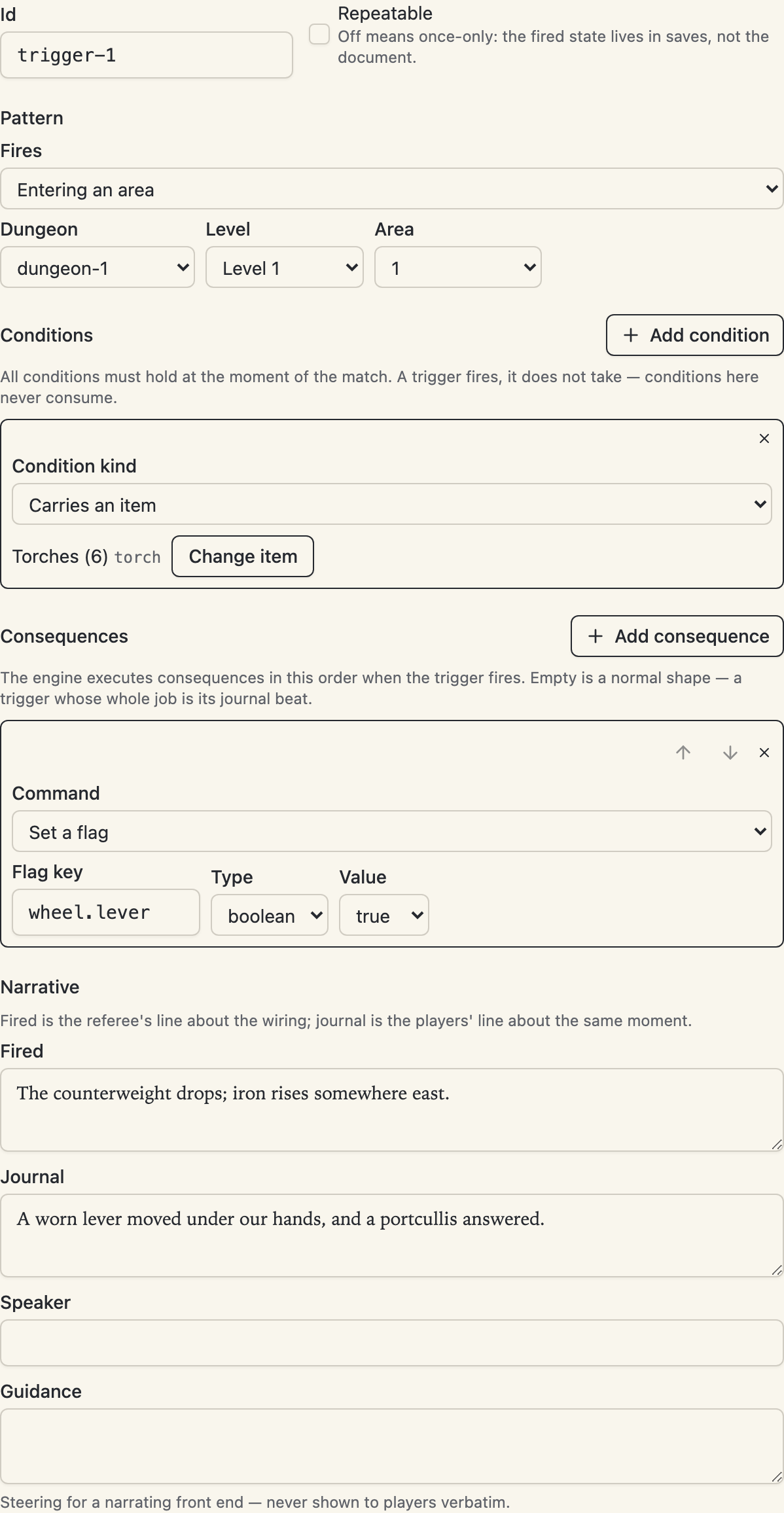
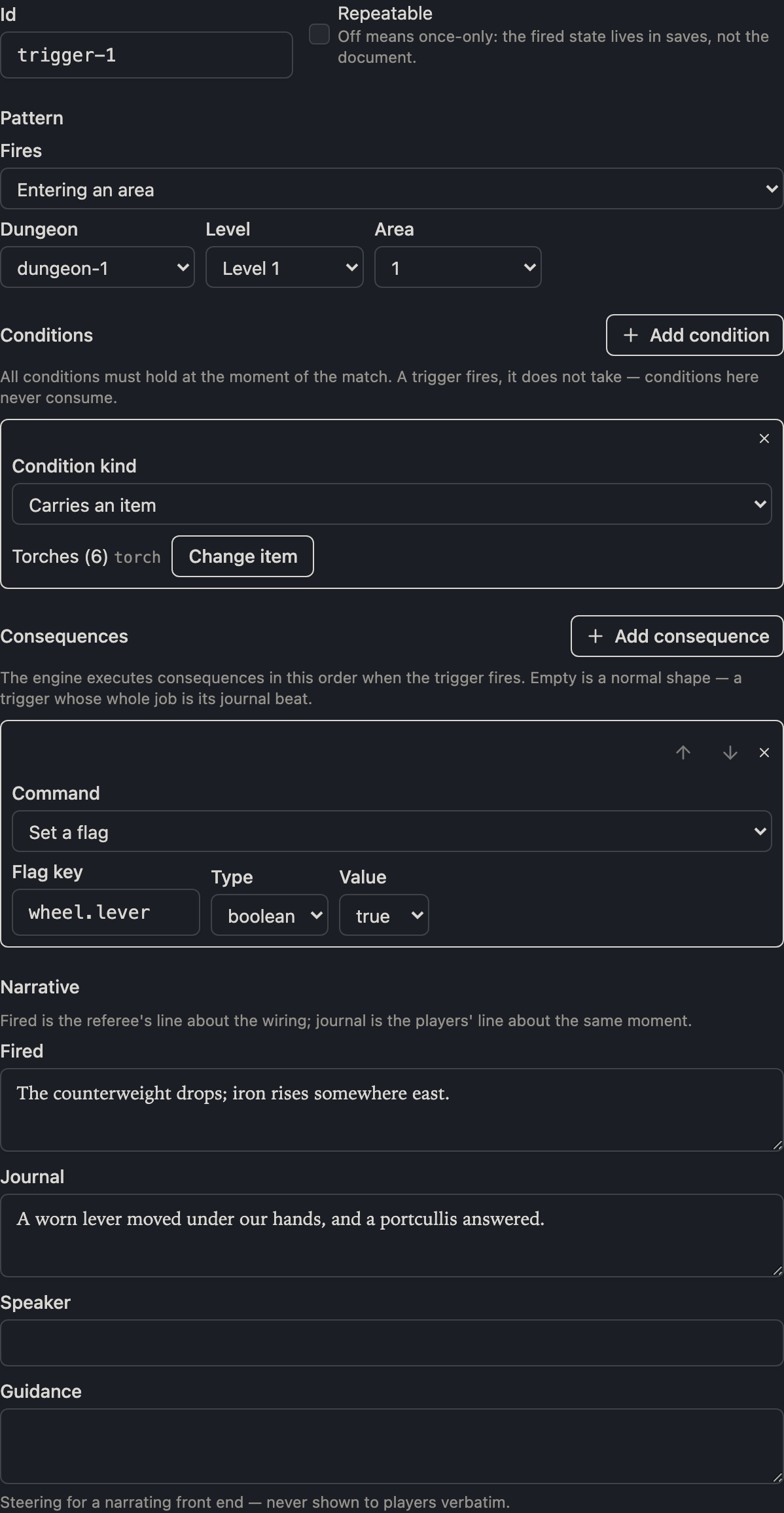
- Fired is the referee's line about the wiring — the engine holds it at referee visibility, table talk about what the machinery did. Players don't see it.
- Journal is the players' line about the same moment, written into the party's journal in order of discovery.
Speaker and guidance are on every narrative block, as always: an attribution a renderer may credit the line to, and steering for a narrating front end that is never shown to players verbatim.
Once-only, and what lives in saves
A trigger is once-only by default: it fires the first time its pattern matches and never again, and that fired state is recorded in the play session's save — not in your document — so it survives saving, loading, and replaying. Tick Repeatable for a trigger that should fire every time.
Two save-side notes worth knowing:
- The fired mark is written before the consequences run. If a consequence is dropped in play — a spawn refused because an encounter is already open — a once-only trigger's one firing is still spent.
- Renaming a trigger orphans any fired mark recorded in an existing save under the old id: the renamed trigger will fire again for that save. Fresh sessions are unaffected.
Placing triggers from the map
Area and level triggers can start on the map, where the geometry already is:
- Right-click a keyed area and choose Add trigger: a trigger named
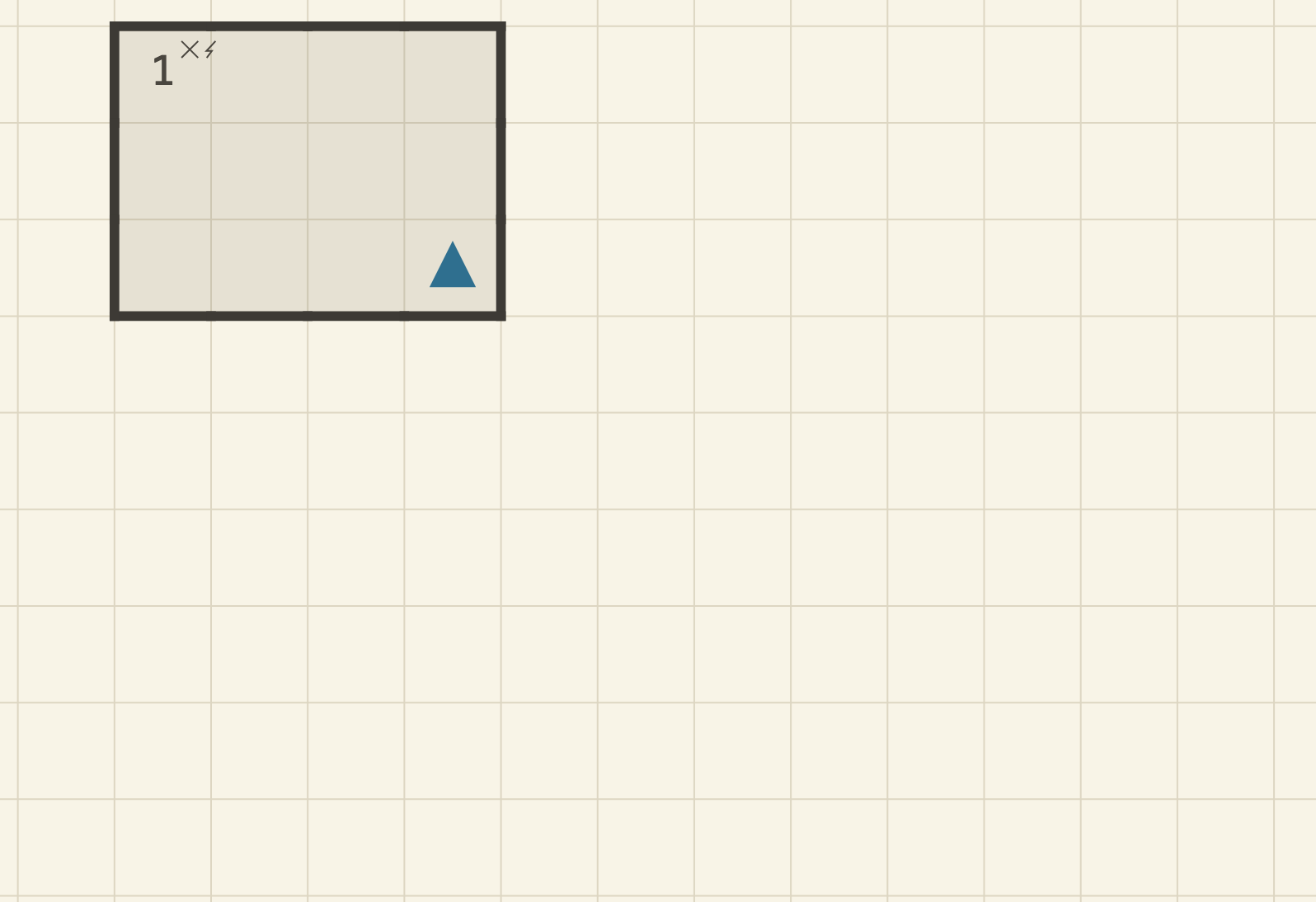
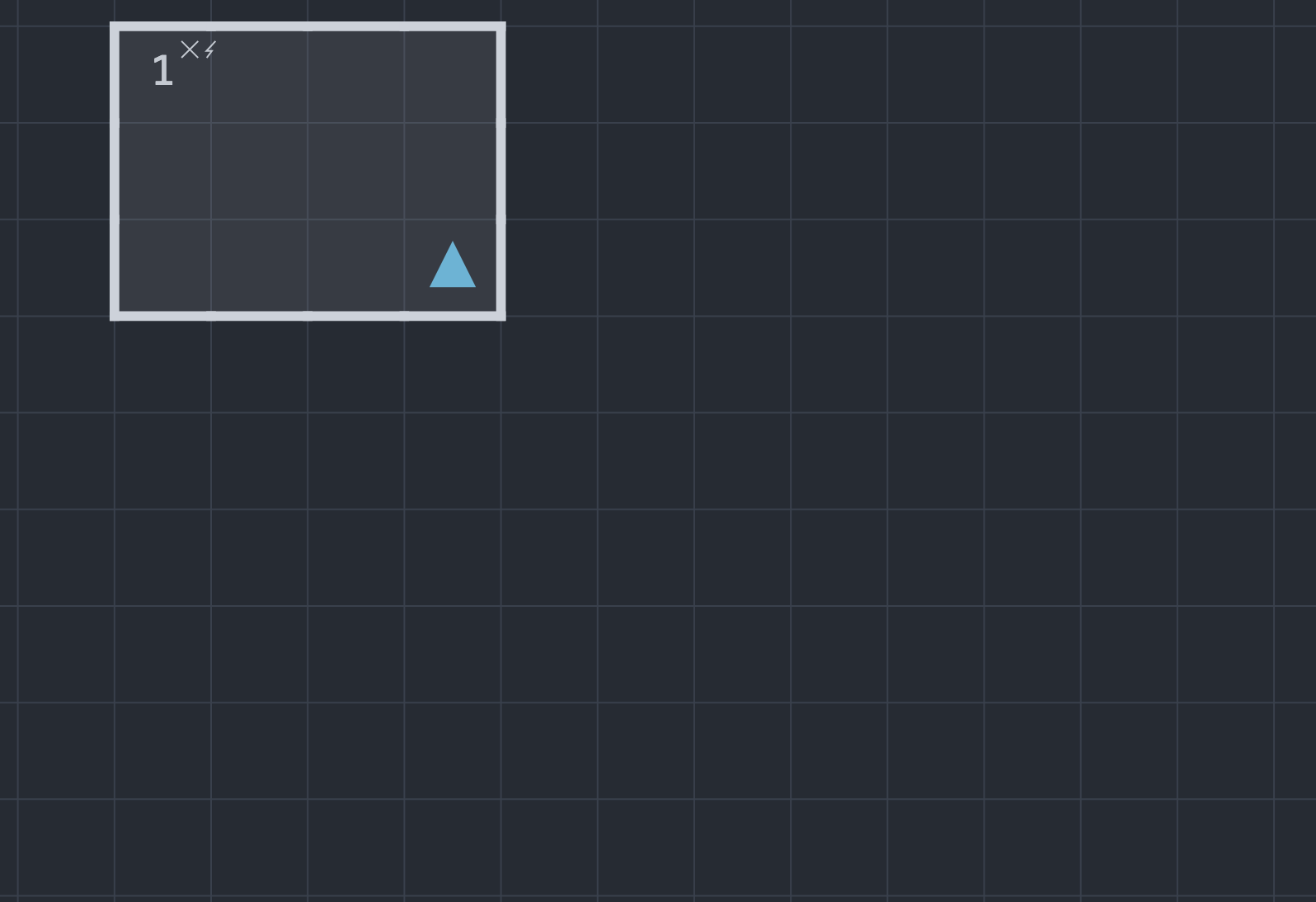
trigger-1,trigger-2, … is created already bound to that area, and the Quests panel opens on it for the deep editing. Below the add entry, the same menu lists Edit trigger for each trigger the area already has. - The editor marks an area that has a trigger with a small lightning bolt in the glyph row beside the key number — presence, not a count.
- Level triggers hang on the level itself: the Level properties dialog lists the level's entering-a-level triggers and offers Add level trigger, and a level tab whose level has one shows a small bolt marker.
The other patterns — dungeon, town, item, monster, flag — have no natural place on the grid and are authored from the panel alone.
The advisory lints
Three advisory checks watch the trigger layer (two more watch the quest layer). They are warnings by construction: they never block publishing, because each one describes something that is legal and occasionally intentional — but far more often a mistake.
- A flag nobody writes (
flag_read_no_writer) — a door gate, a stair gate, or a trigger names a flag key that no trigger consequence (and no quest reward) writes. The gate can never be satisfied; the trigger can never fire. The finding sits on the reading site, one per reader. - A trigger cycle (
trigger_cycle) — triggers whose flag writes fire each other in a loop. In play the engine cuts the cascade off at a depth bound and drops the rest with a note, so the loop won't hang a game — but circular wiring is almost always an accident. One finding per loop, naming its members. - A spawn colliding with a keyed encounter (
trigger_spawn_collision) — an entering-an-area trigger whose consequences spawn monsters into an area that already has a keyed encounter. Entering the area opens the keyed encounter first, the spawn is refused because an encounter is in progress, and a once-only trigger's firing is spent anyway. Move the spawn, or let the keyed encounter be the fight.
In converted projects
A project still in forge-backed review cannot hold triggers: the conversion pipeline's correction vocabulary has no authored-layer surface, a deliberate gap tracked at osr-forge#39. The Quests entry still opens; it explains exactly this and offers Detach to a native project in place — the crossing that unlocks trigger and quest authoring.