The map editor
Every level renders as graph paper, and the tool set works directly on it.
The tools
- Select (
V) inspects anything — areas, door edges, transitions — and drives the inspector panel. Dragging with it pans the map. - Pan (
H) binds panning to a plain left-drag, for when holding a chord is the wrong hand. - Room (
R) drags a rectangle into a keyed area with its interior edges opened. - Corridor (
C) opens passages along a dragged path. - Wall/door (
W) click-cycles an edge wall → open → door, and drags to paint. The door inspector sets normal or secret, stuck, locked, and starts-open — and hangs a gate on the door. - Area (
A) paints cells into the selected area or a new one. - Entrance (
E) places the level entrance. - Transition (
T) places stairs, trapdoors, and chutes with a target-level picker — the dialog offers reciprocal creation for stairs in the same undo step, and holds a gate card for tolling the threshold.


Room or area?
Both tools produce keyed areas. The difference is what else they do.
Room always mints a new one. A single drag emits one batch: the area over the rectangle's cells, keyed with the next free number, and every interior edge opened so the floor inside is walkable. It is the carve-a-chamber-out-of-rock gesture, and it never extends a room you already drew.
Area paints cells and touches nothing else — no edges, ever. With an area selected it adds the painted cells to that area; with nothing selected it creates a new one. That makes it the tool for shapes a rectangle can't express: an L-shaped hall, a cavern, an alcove hung off a chamber you drew with Room, or keying floor that already exists.
Because Area never opens edges, painting cells into a room does not make them reachable — the wall between the chamber and its new alcove stays a wall until you open it with Wall/door or run a Corridor through. And because Area unions into the selected area, select the room first: paint with nothing selected and you get a second key instead.
Neither tool takes cells away from another area, so painting over a neighbour's floor leaves both the neighbour and the area you painted into claiming it. That is legal while editing, and the lint flags it as area_overlap.
Moving around the map
The map moves the way a web map does. Zoom with the wheel or a trackpad pinch, always about the pointer; pan with a two-finger drag, a middle-click-and-hold drag, a space-drag, or a plain left-drag under the select or pan tool. Reset to 100% with 0 or the reset control. Delete removes the selection; Esc cancels a gesture.
Two view controls sit beside the zoom buttons and do different things. Reset zoom snaps to 100% with the level's northwest corner at the top left — the fixed frame to come back to when you want the map at its drawn size. Fit level scales the whole level to the viewport and centres it, which is the view a level opens with; use it after panning or zooming has taken the map somewhere you can't see it. Because the zoom buttons scale about the centre of the view, a level whose geometry sits in one corner walks further off screen as you zoom in, and Fit level is the one click back.
Zoom is proportional to the gesture and accelerates as you push it: the first moments of a pinch or a wheel spin stay fine-grained for framing a room, and holding the gesture on ramps the rate up to cross scales quickly. Pause and it returns to fine-grained, so precision is always a fraction of a second away. Nothing coasts after you stop.
A mouse wheel and a trackpad two-finger drag reach the browser as the same event, so the editor tells them apart by the shape of the scroll. If your gesture is ever read wrong, ctrl-scroll (or cmd-scroll) always zooms.
Sizing the panels
Every panel around the canvas takes the width you drag it to: the section list on the left, the inspector, the content library, and — in a forge-backed project — the source pages. Grab the splitter between a panel and its neighbour and pull. A room name too long for the panel is then your decision rather than the layout's, which is the point: trade canvas for panel when you are writing, and back when you are drawing.
Neither side can be dragged away. Each panel stops at a width that still shows its own controls, and the canvas keeps a floor of its own, so no panel can take the window.
Widths belong to the project, kept in its editor sidecar beside the per-level camera — set a layout and it is still there when you open the project tomorrow. Until you set one, the inspector widens on its own whenever an area is selected, so the content forms have room; from your first drag onward your width holds whatever is selected.
Levels and dungeons
An adventure holds any number of dungeons, each with any number of levels. The map chrome manages both: create, rename, and renumber (renames cascade through every reference in one undo step), and resize a level — with the offenders listed first when a shrink would strand geometry. Remove level discards the level from the row itself; a dungeon's last level can't go, and hovering the dimmed control says why.
Level properties also holds four authoring surfaces the map itself doesn't show: the level's wandering monster table, its level-scope features for the tricks and caches that belong to a corridor rather than to any keyed room, its guidance — ambient steering for a narrating front end, per-level narrator direction that the engine never acts on and players never see verbatim — and its triggers block, which lists the triggers that fire on entering this level and offers Add level trigger. A level tab whose level has one shows a small bolt marker.
Clear content strips a level back to its geometry in one undo step, which is what you want after importing a map whose rooms arrive already described. The grid, the walls and doors, the cells they enclose, the entrance, the transitions, and the wandering monsters all stay; area names and descriptions, encounters, traps, treasure, and features go. The dialog counts exactly what it will remove before you commit.
Also remove the emptied areas goes one step further: the key numbers go too, and the emptied cells become corridor. The walls and doors that enclose the rooms are edges, so the map still reads exactly the same — you get the shape without the keying, ready to re-key as you stock it. The choice sticks for the session, because stripping an imported module is a per-level job.
In a forge-backed project this is an ordinary correction, not a special case: each emptied room becomes one reasoned entry in overrides.yaml, so clearing a converted module's prose is a claim you are making about the source — reviewable, and undoable — rather than an edit that escapes the record.


Gates
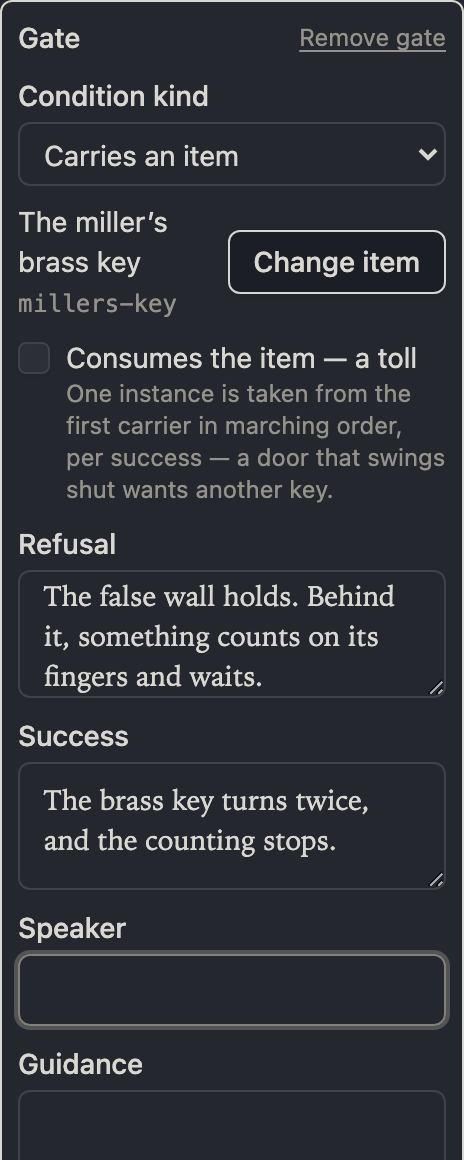
A gate is an authored predicate the engine checks when the party attempts something — opening a door, taking a stair. A gate goes on exactly two things: a door and a level-placed transition. The gate card sits in the door inspector's door branch and in the transition dialog, and holds one condition plus the narrative for both outcomes, refusal and success:
- Carries an item — some party member's carried inventory holds the item, picked from the bundled items, shipped equipment, and magic items — exactly the domain the engine resolves against. Consumes the item makes it a toll: one instance leaves the first carrier in marching order per success, so passing the same door twice costs two keys. The toll is a gate-only power — a trigger or quest clause that consumes is rejected by the engine, so the trigger and quest builders never offer it.
- A flag equals — a session flag holds a value, compared strictly: the value control is typed (text, number, or boolean), because a stored
truenever satisfies an authored1. - An effect is active — an effect of that kind is attached to a party member. Effect kinds are an open vocabulary, so the field is a free string.
The narrative block holds the gate's two read beats — Refusal for a refused attempt, Success for a successful one — plus speaker attribution and narrator guidance. Text the engine never reads for a gate (a foreign block holding a trigger's fired beat, say) is warned about by name with a one-click clear, never silently rewritten or hidden.
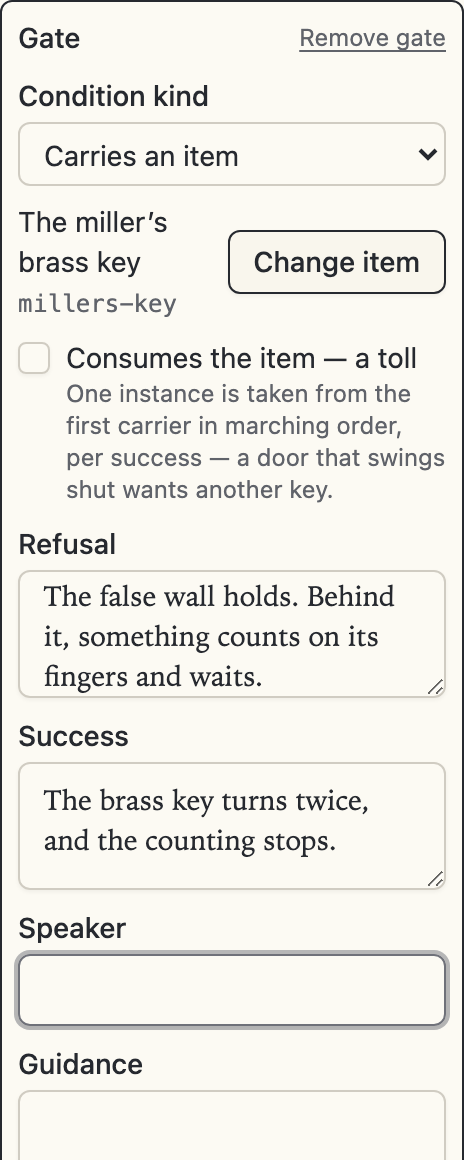
A gate composes with the door's own mechanics rather than replacing them: on a locked and gated door the party must open the lock and satisfy the gate. Auto-reciprocal stairs are created ungated, because a gate applies to one threshold's attempt and a toll on the way down is not authored intent for the way up. A trap's slide has no gate control at all: a forced relocation is not an attempt, and the engine rejects a gated slide outright.
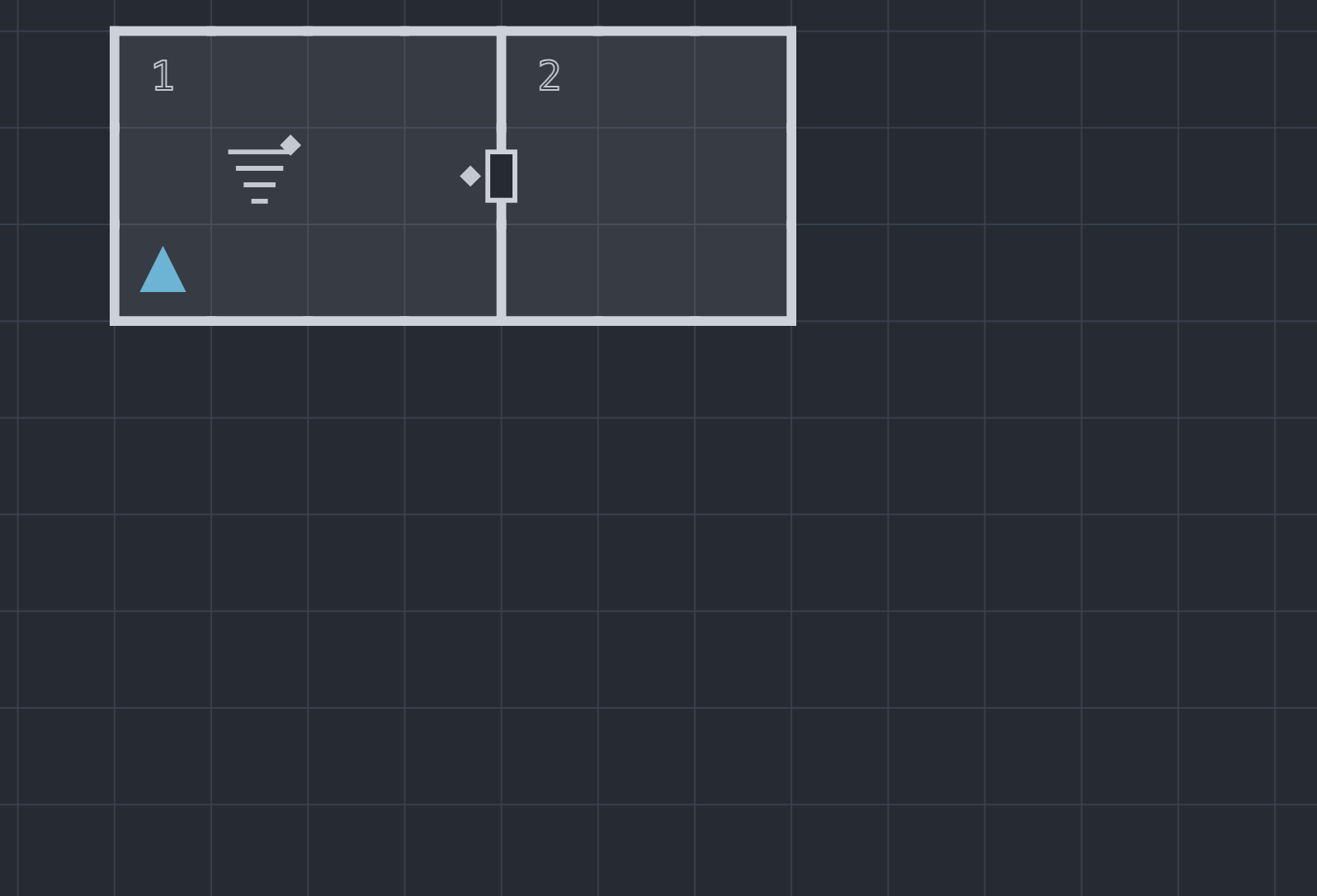
On the map, the editor marks a gated door with a small solid diamond beside the door symbol, and a gated transition with the same diamond beside its glyph. On a door that is both gated and secret, the diamond sits beside the secret disc.
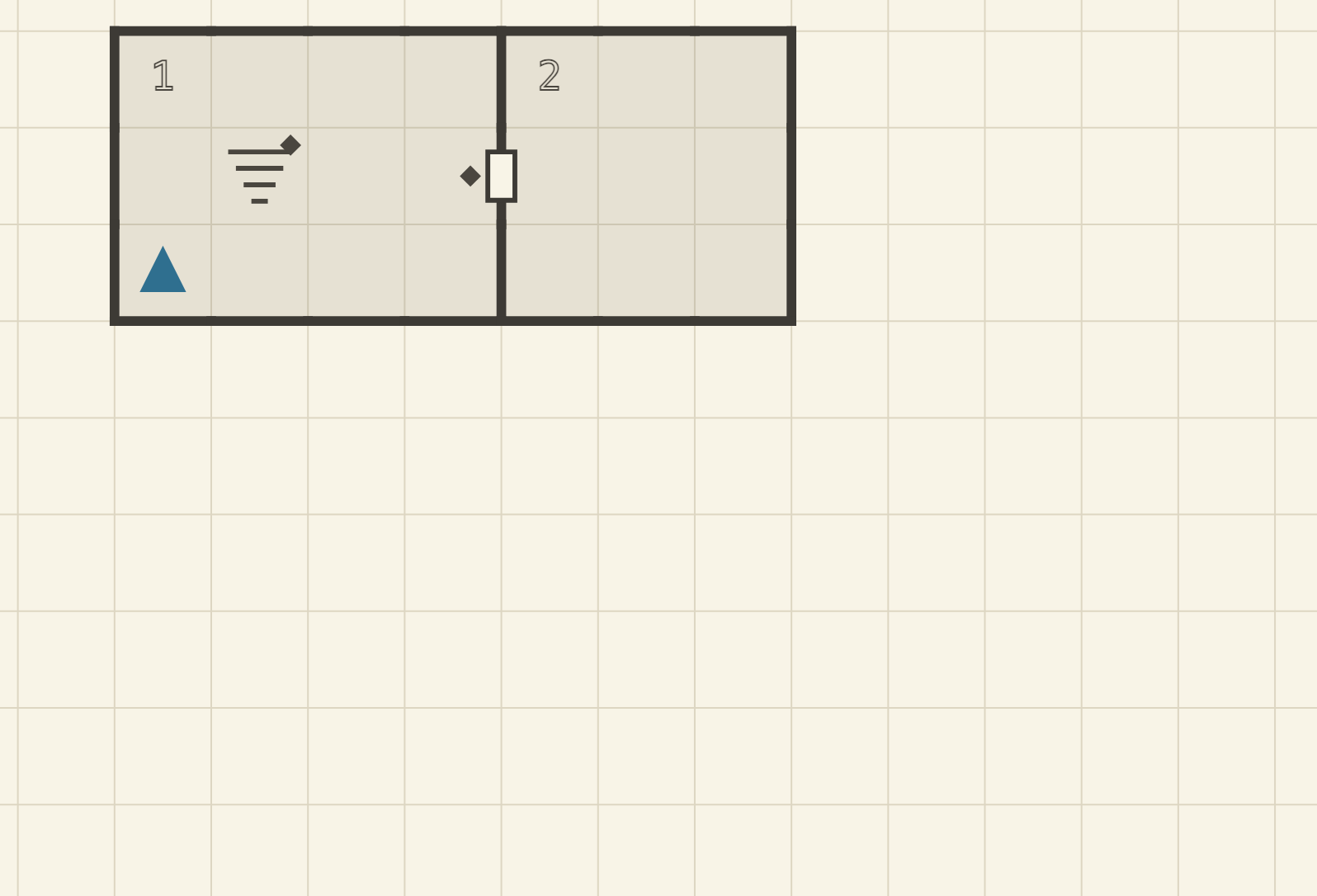
Reachability lint stays gate-blind by decision: a room behind a gated door is reachable — the gate is satisfiable in play, like a stuck or locked door — so the room is never flagged area_unreachable.
The live lint
Structural problems render on the map as you work, click-to-navigate down to the offending cell or edge:
- an edge entry that is not canonical or references void (
edge_invalid) — with a one-click fix for invalid foreign edge keys, - an area no path reaches (
area_unreachable), - a floor cell no area claims and no corridor uses (
orphan_cell), - an area reachable only through secret doors (
secret_only_access), - a transition without its reciprocal (
transition_unpaired), - and two areas claiming the same cell (
area_overlap).
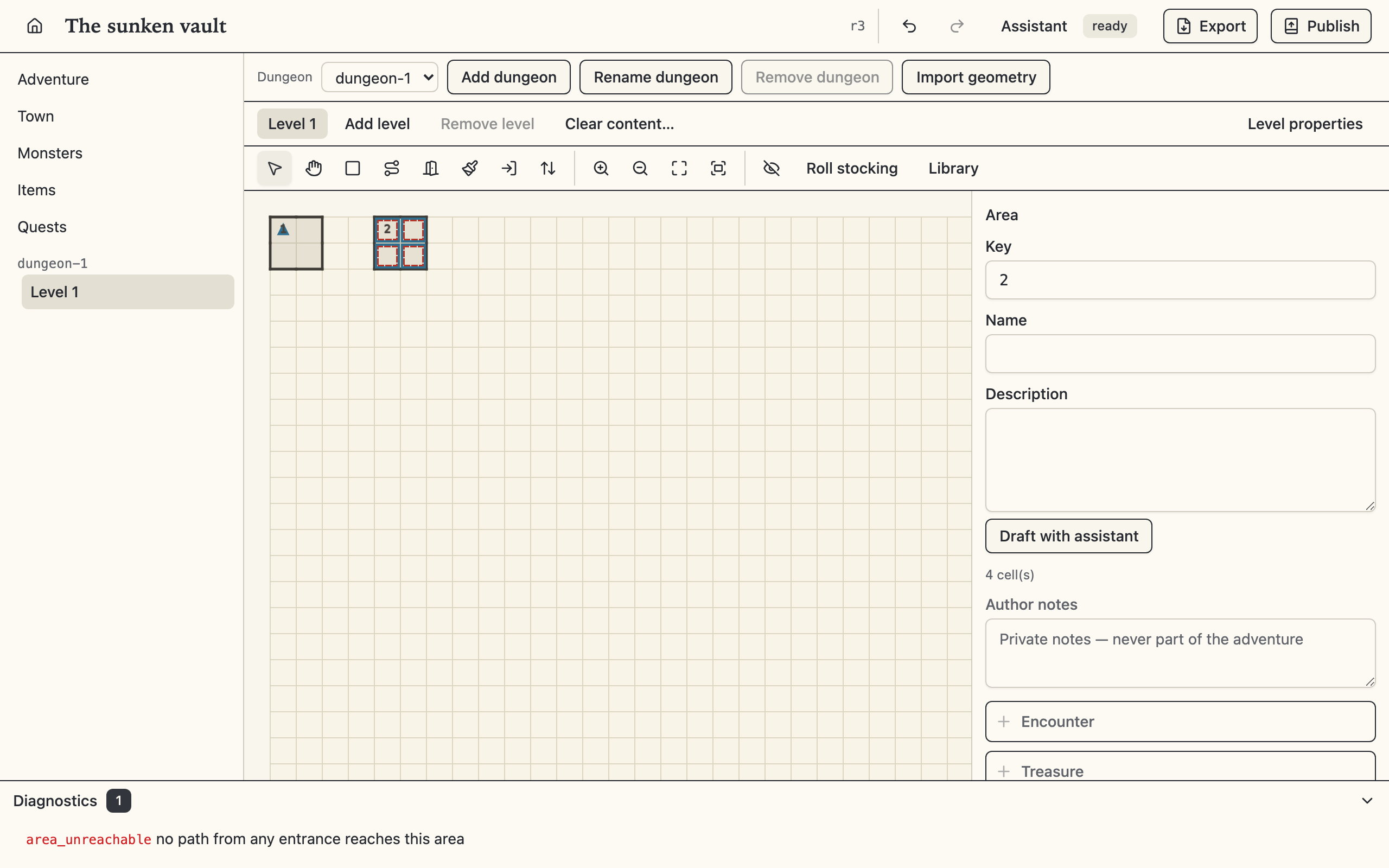
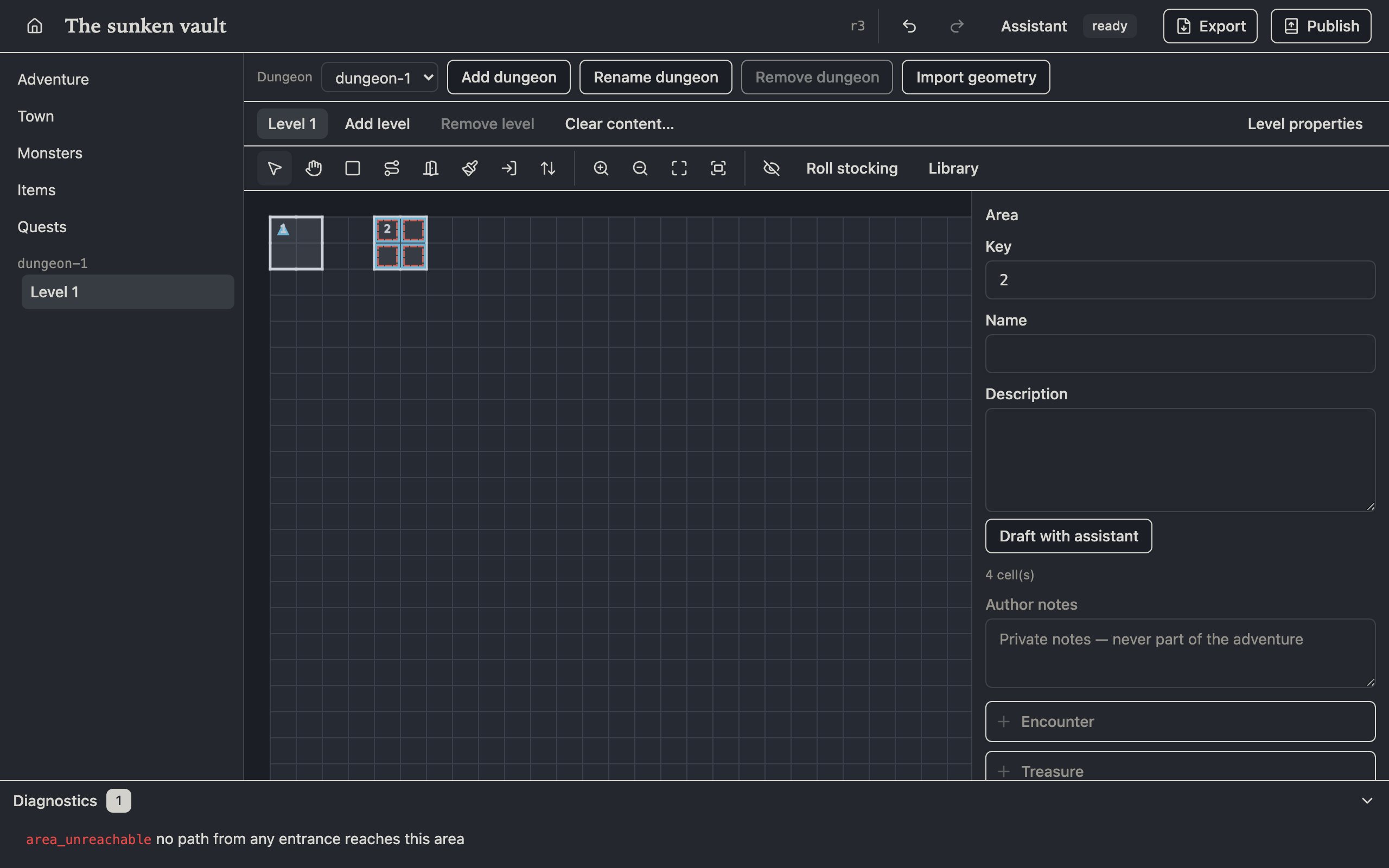
The first five mirror osr-forge's own playability check exactly — the same fixture suites prove the two implementations agree — so a clean editor lint means a clean forge check. Lint warns and navigates; it never blocks an edit. Secret-only access, in particular, is sometimes the point.
Imported geometry
Import geometry in the map chrome brings a level in from another project, a Watabou One Page Dungeon export, or any format with an installed importer plugin — each landing as one ordinary, undoable op batch. Import, export, and publish covers using it; writing a geometry importer covers shipping your own.